The Brief
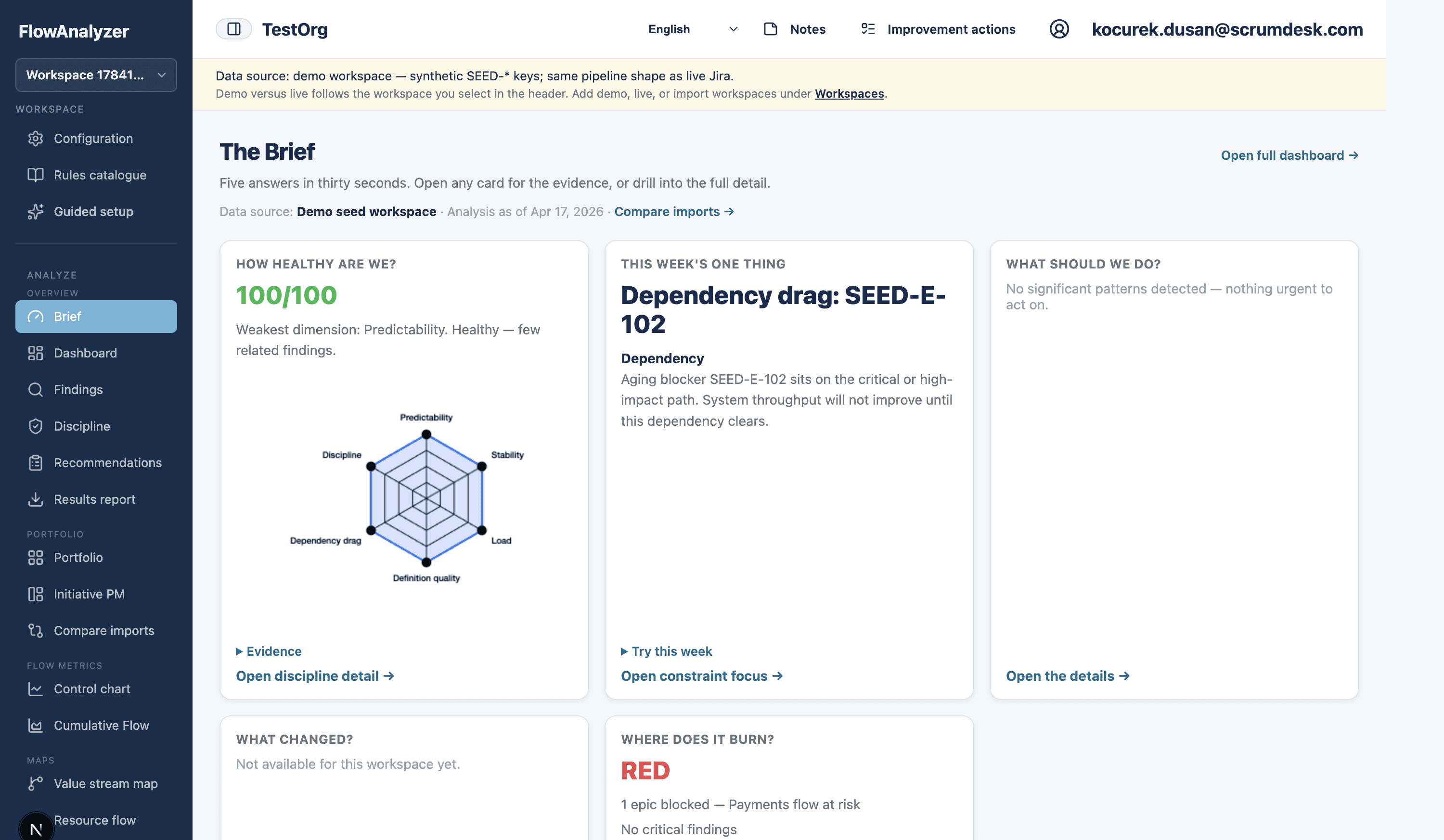
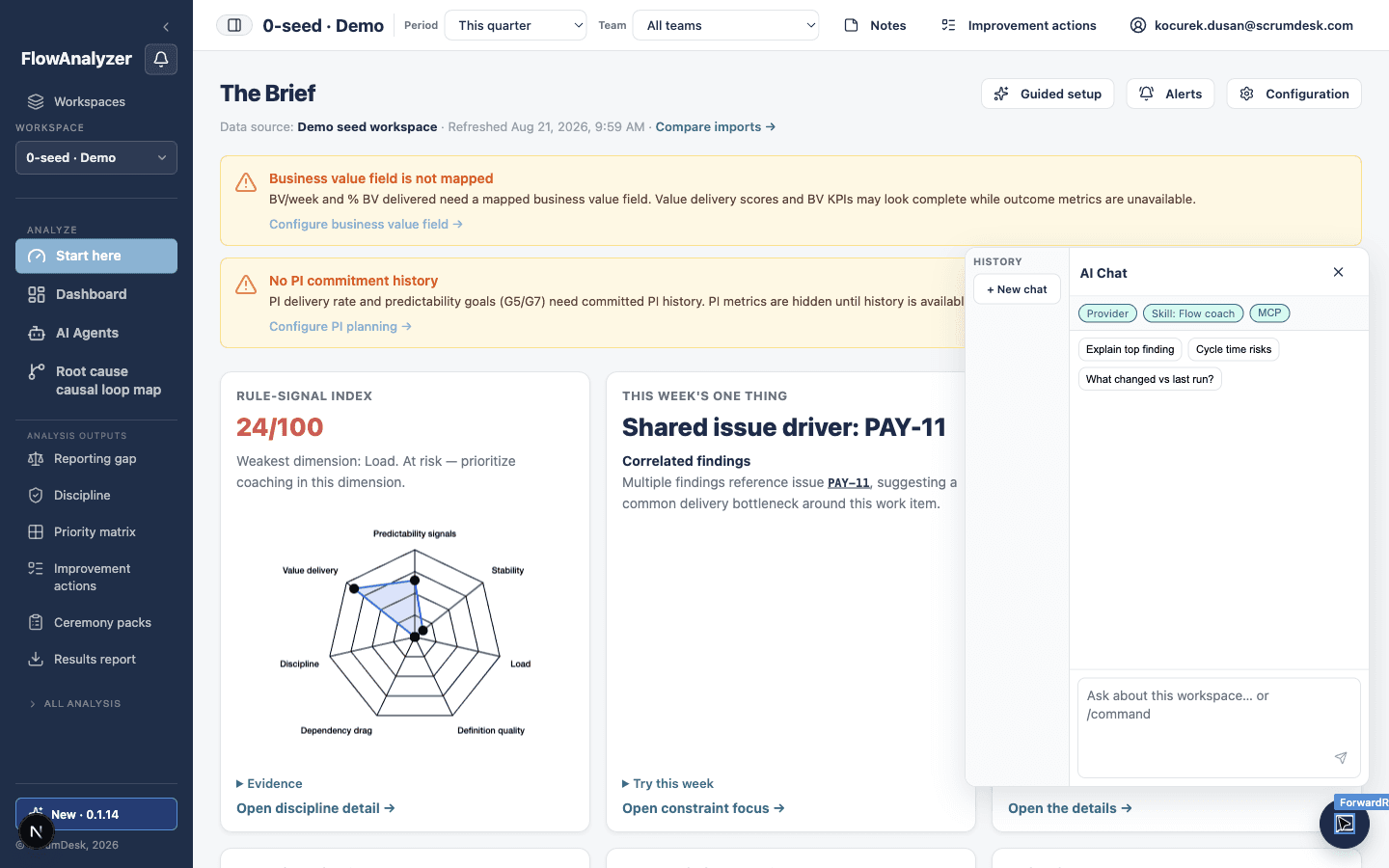
Start every review with five answers in thirty seconds: what to do, how healthy you are, this week’s one thing, what changed, and where delivery burns. Drill from any card into evidence or the full detail screens.
A walkthrough for consultants, PMO leaders, tribe leads, and delivery coaches. See Truth Gap and the Brief first, then drill into evidence, playbooks, and readout-ready exports.
Start every review with five answers in thirty seconds: what to do, how healthy you are, this week’s one thing, what changed, and where delivery burns. Drill from any card into evidence or the full detail screens.
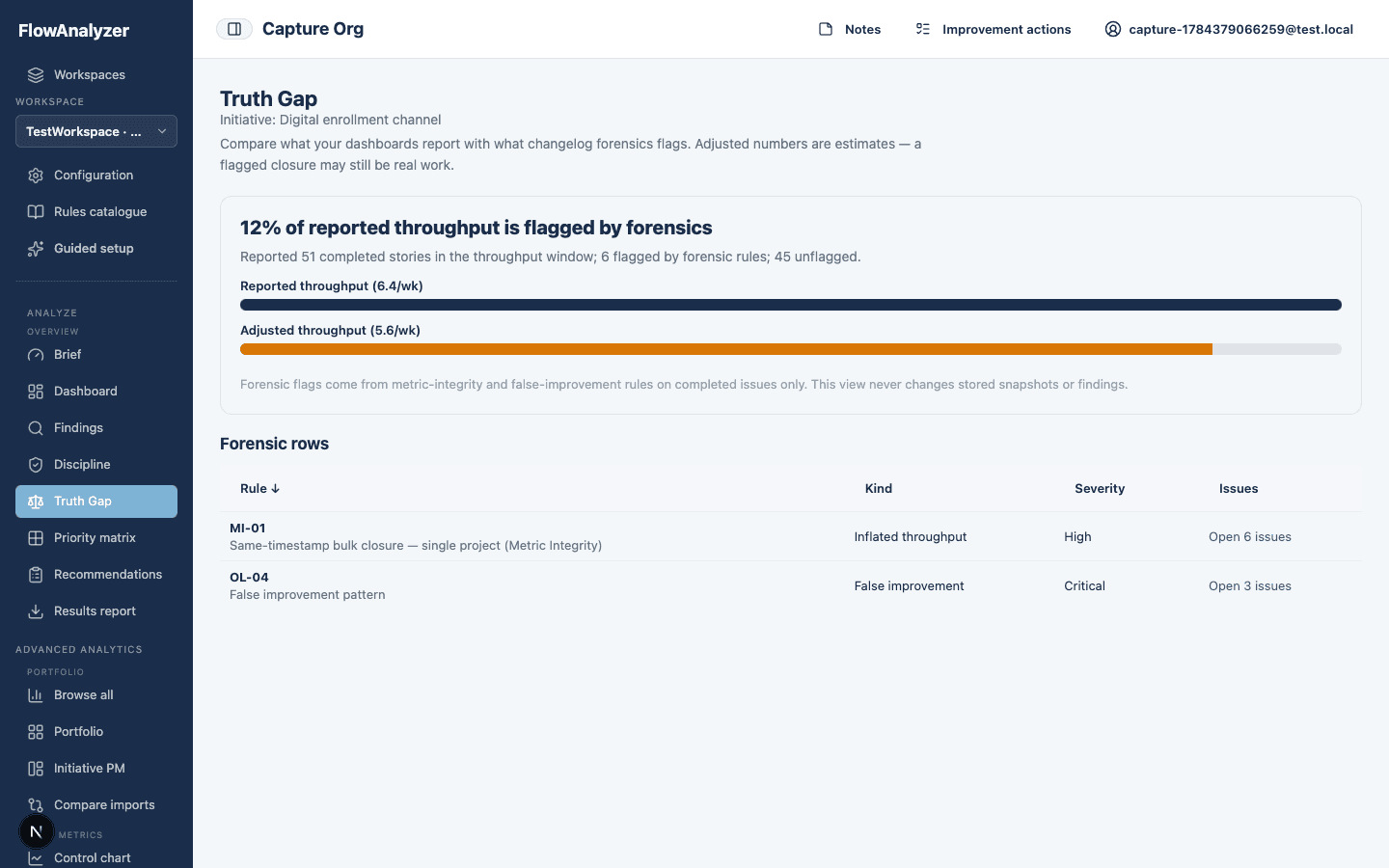
See what your dashboards report versus what changelog forensics flags — one headline gap percentage, reported vs adjusted throughput, and per-rule evidence you can open issue-by-issue.
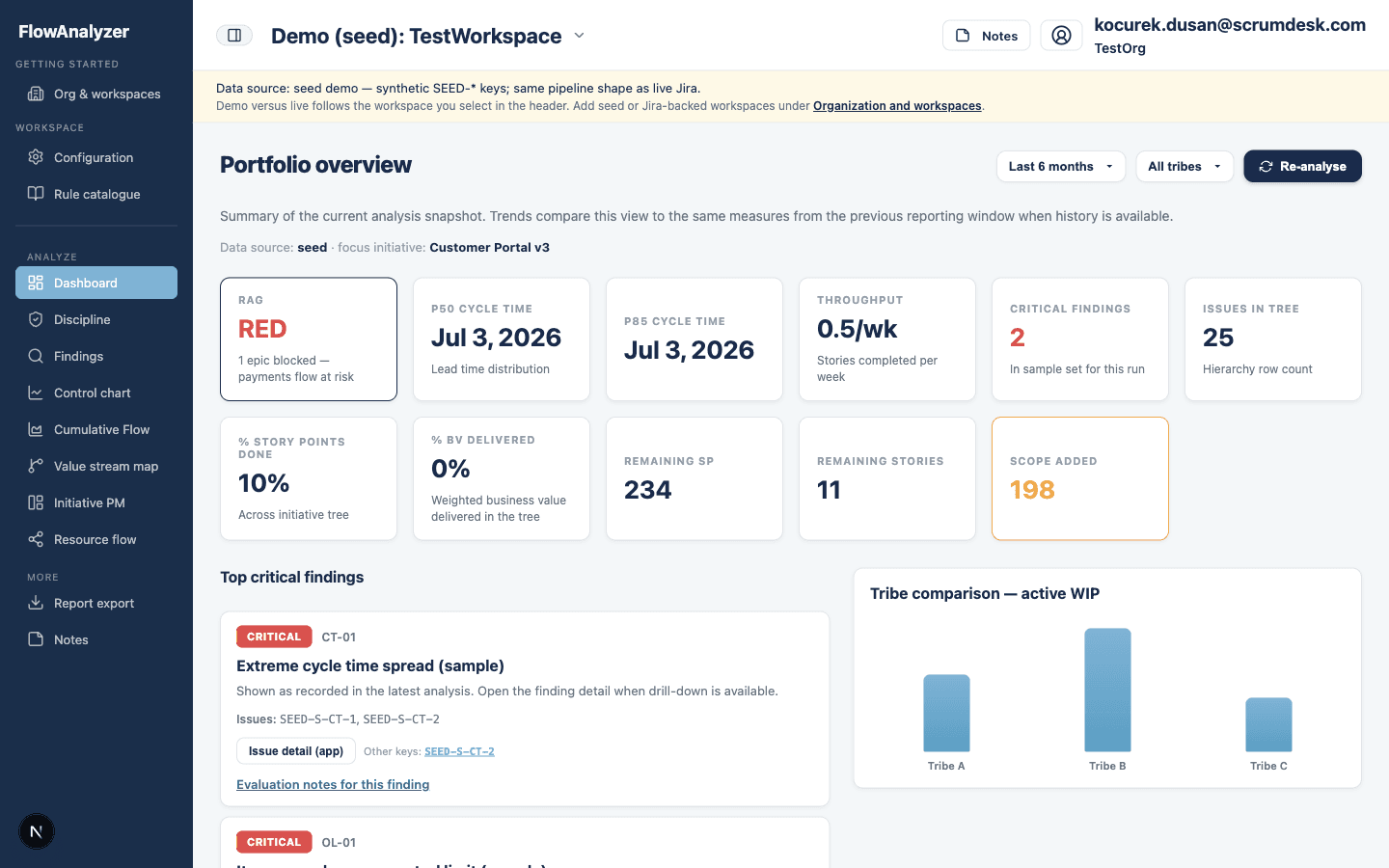
Start each review with a single portfolio view: open findings, cycle-time signals, and discipline scores across tribes. You spend less time exporting Jira data and more time deciding what to discuss with leads.
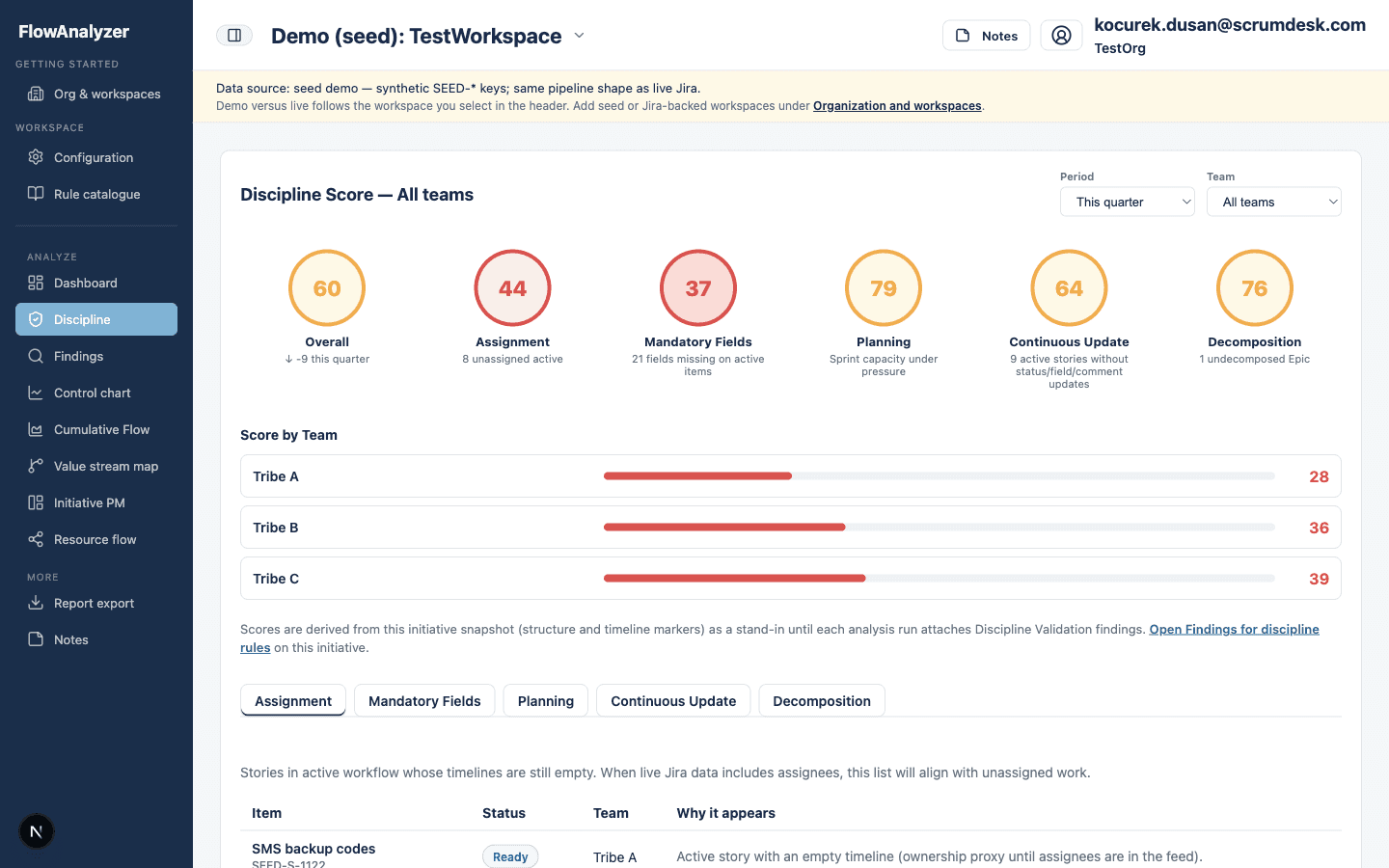
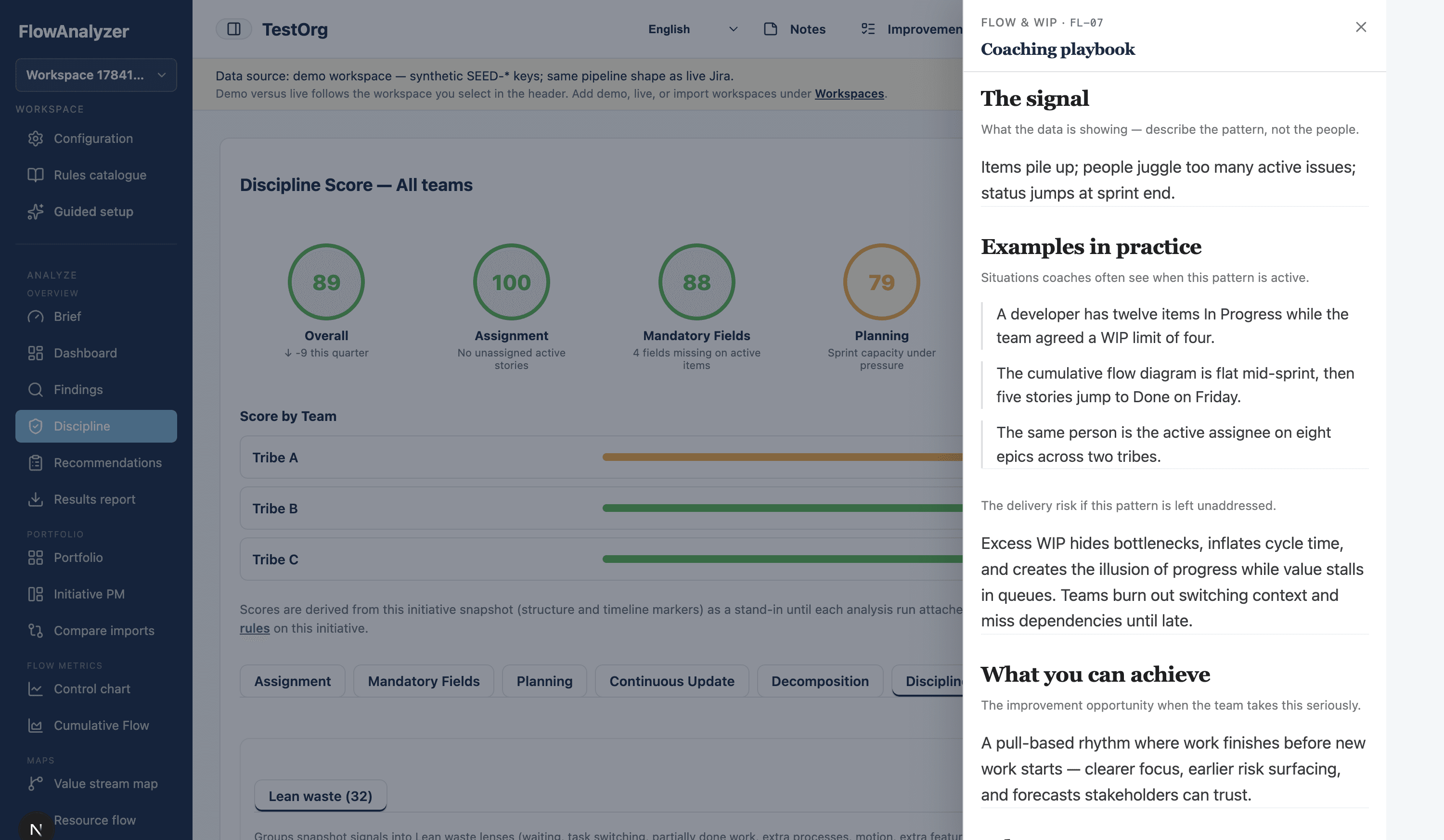
Measure how consistently teams honour workflow, flags, and Definition of Done. Compare tribes side by side, then open Investigation for gate bypasses, requirement coverage gaps, epic DoD heatmaps, and PI delivery versus commitment.
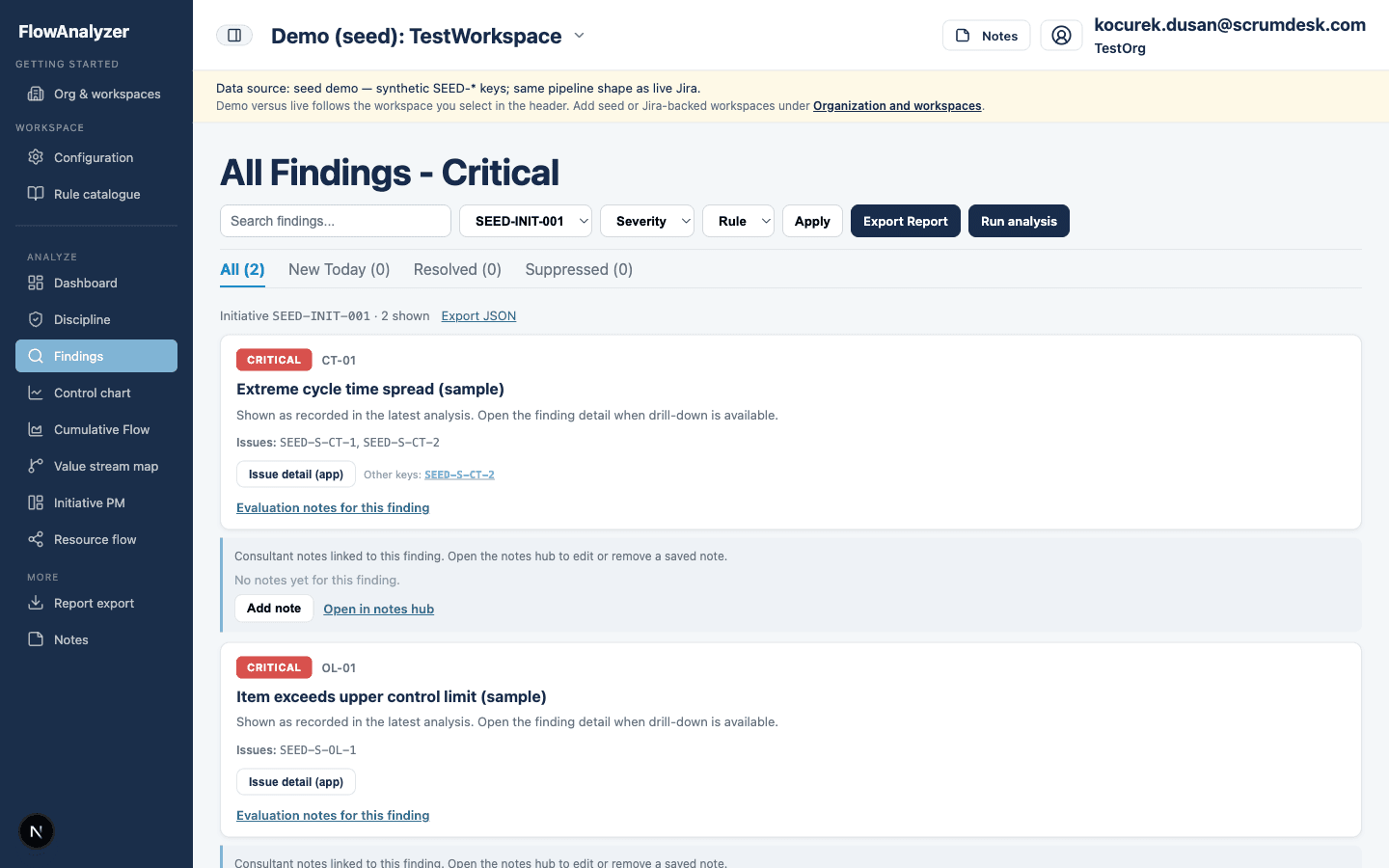
Review detected antipatterns ranked by severity and category. Filter by rule family, use the operational defect funnel for OI issues, and open discipline investigation without leaving Findings.
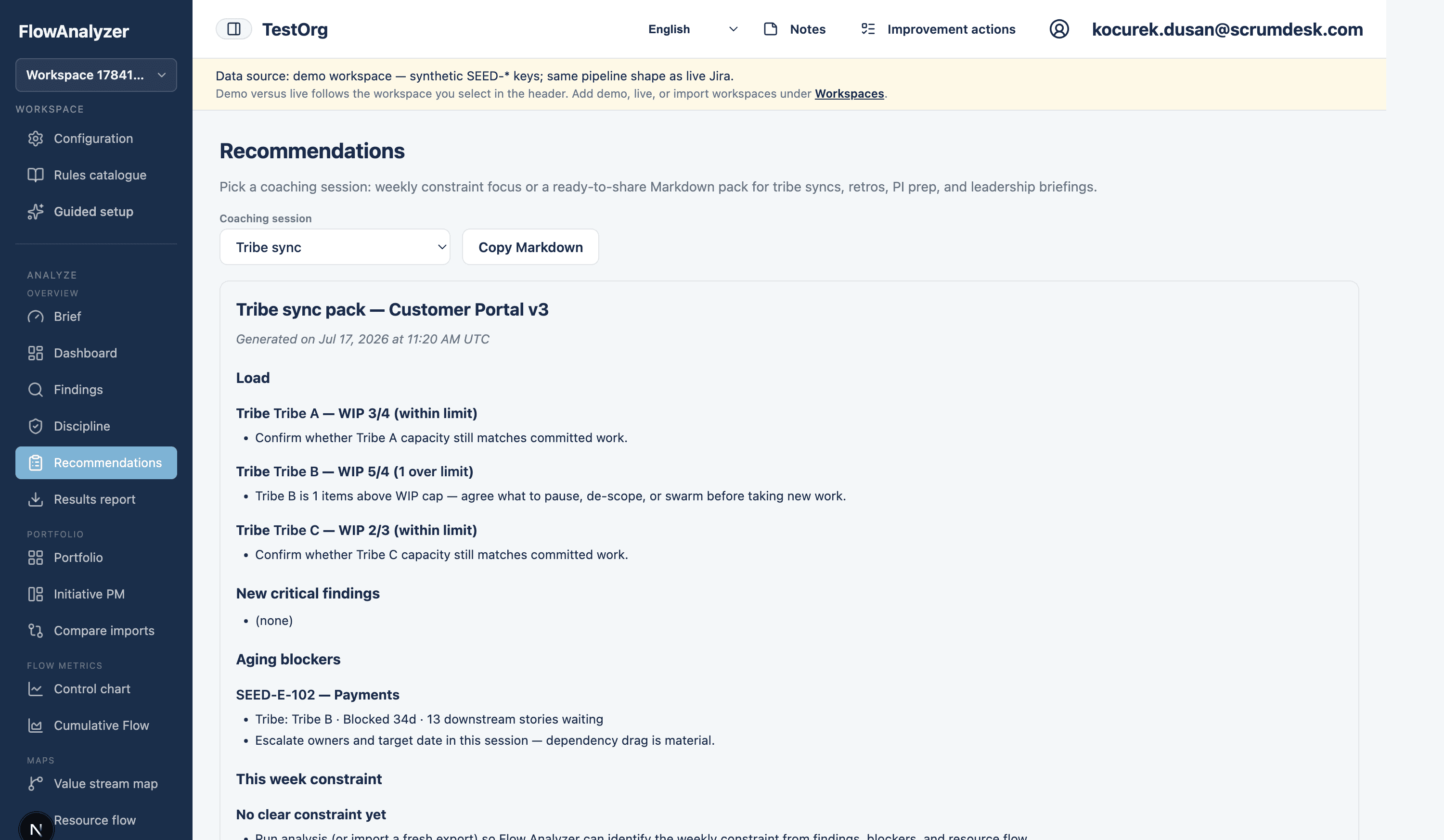
Pick a coaching session and copy a ready-to-share Markdown pack for tribe syncs, retros, PI prep, or leadership briefings—built from the same findings your teams see in the live app.
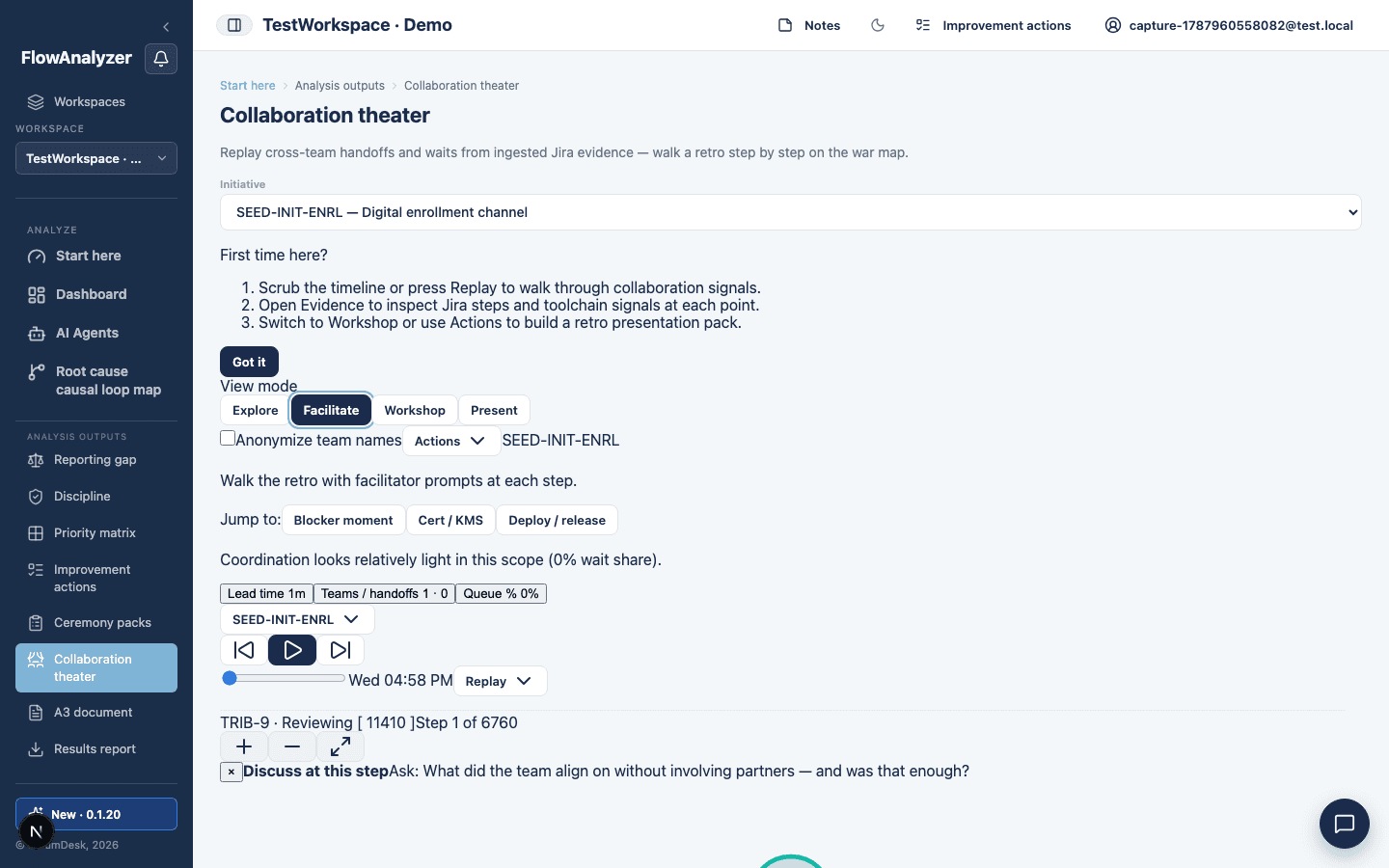
Replay cross-team handoffs and queue time on a war map—scrub Jira steps, overlay toolchain signals, and walk a retro with facilitator prompts, workshop slides, or Present mode for screen sharing.
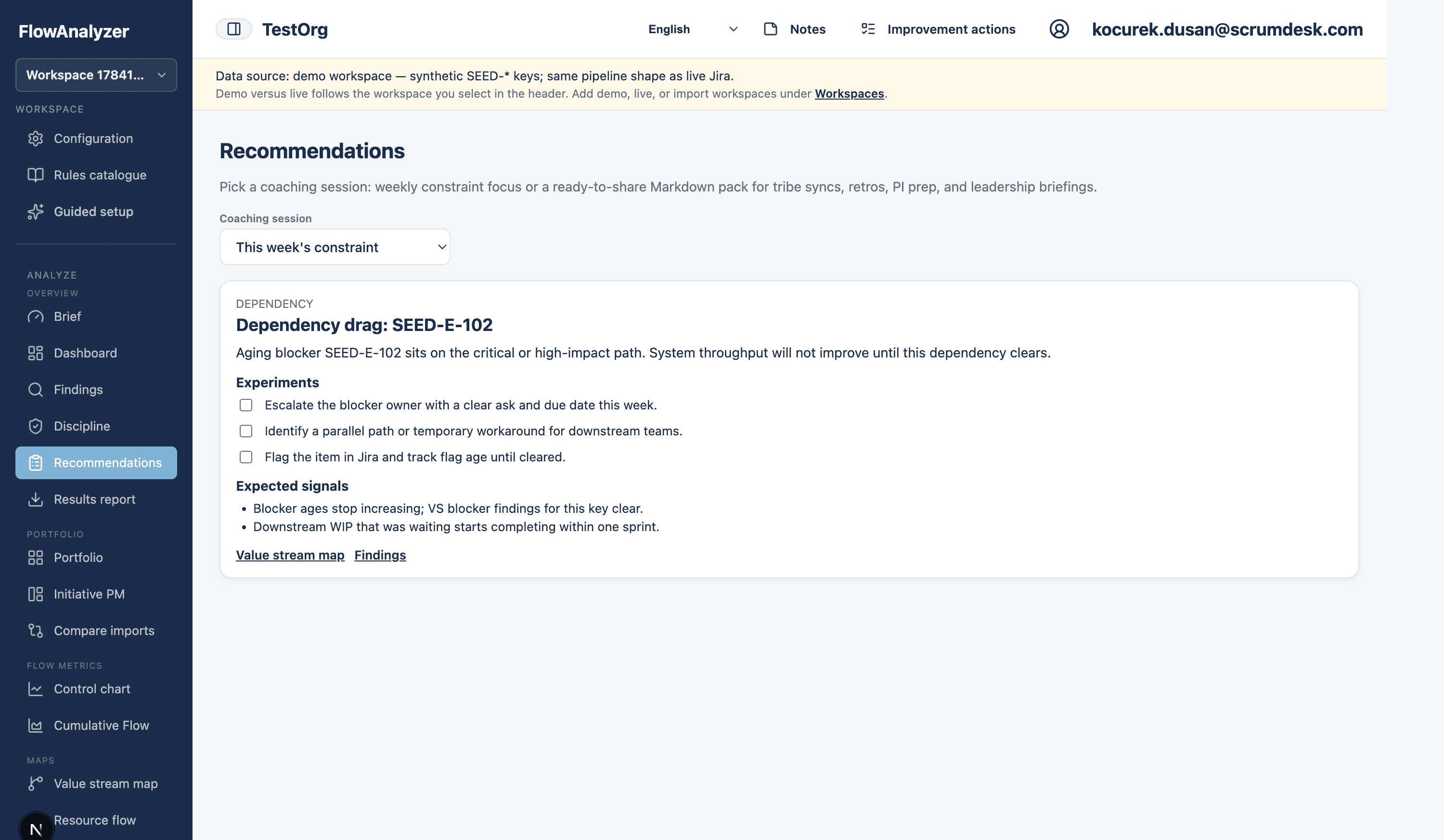
Focus the tribe on one constraint for the week: correlated findings, concrete experiments, and expected signals—then accept suggestions as improvement actions you can track.
Open a ready-to-run coaching card for any rule: the signal, real-world examples, facilitation questions, configuration levers, and how you will know the experiment worked on the next analysis run.
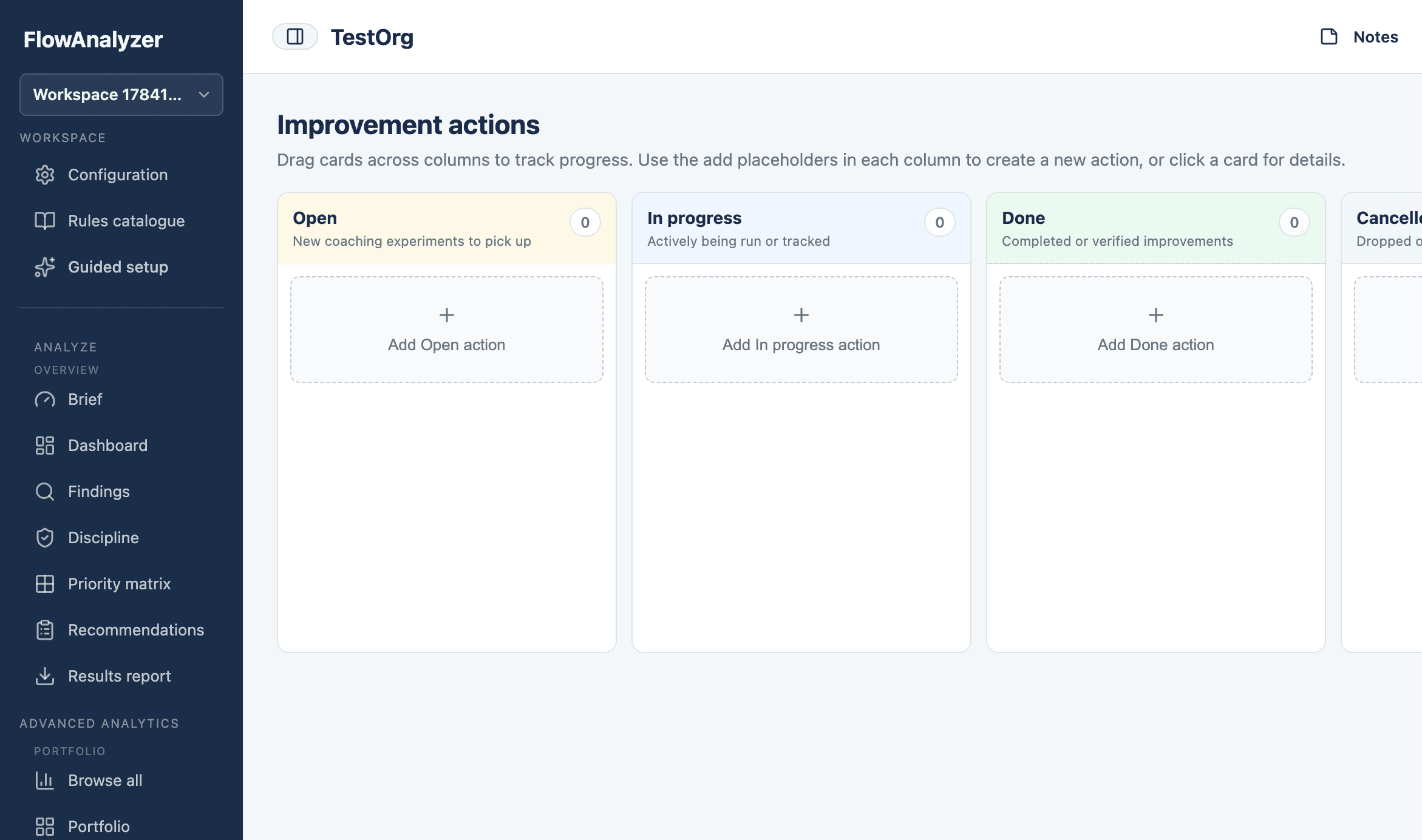
Turn coaching experiments into owned work on a Kanban board. Move cards from Open through In progress to Done, keep finding links visible, and review progress in every flow sync.
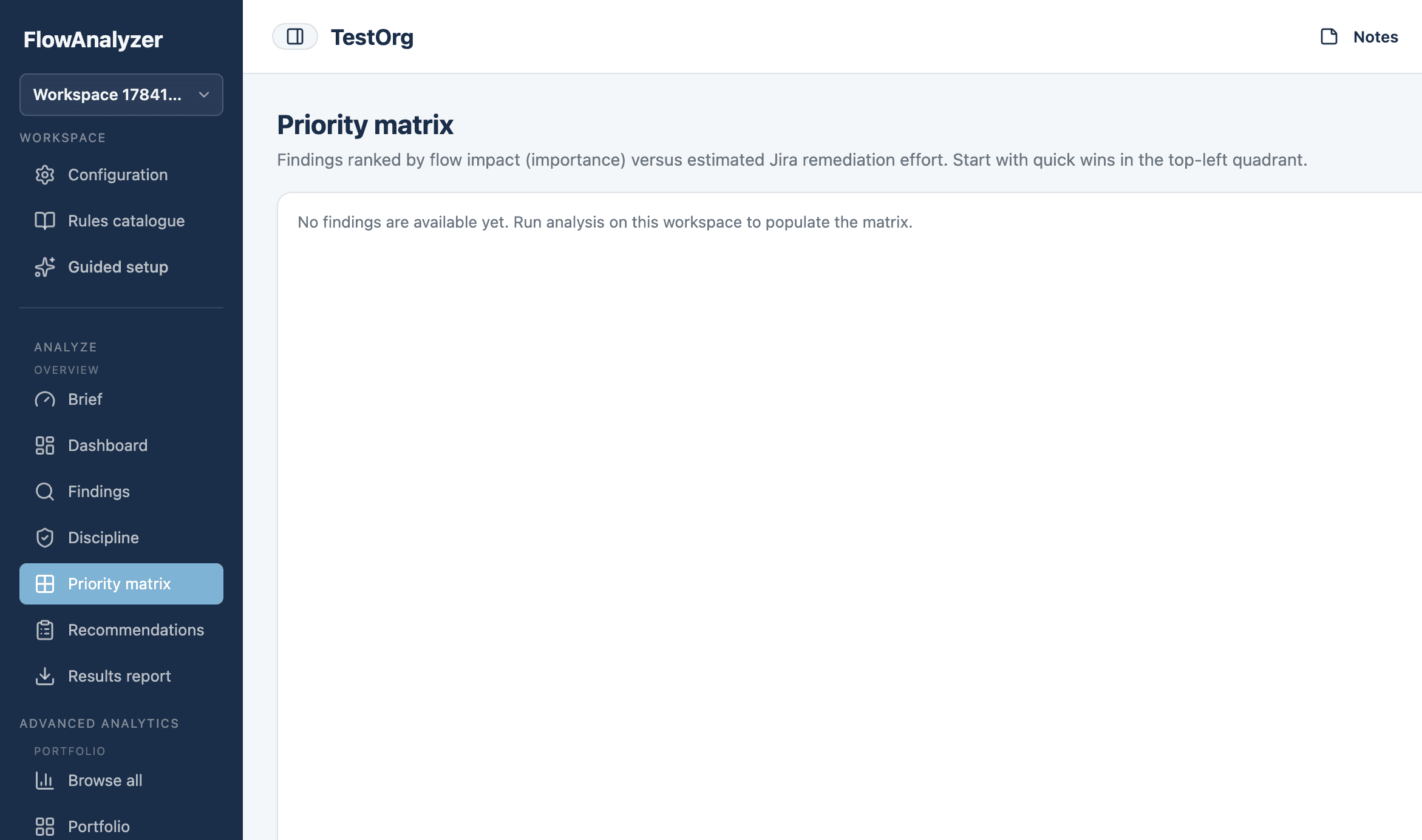
Rank findings by flow impact versus remediation effort. Start with Do first quick wins, schedule high-effort work, and defer low-value noise so coaching capacity goes where it pays off.
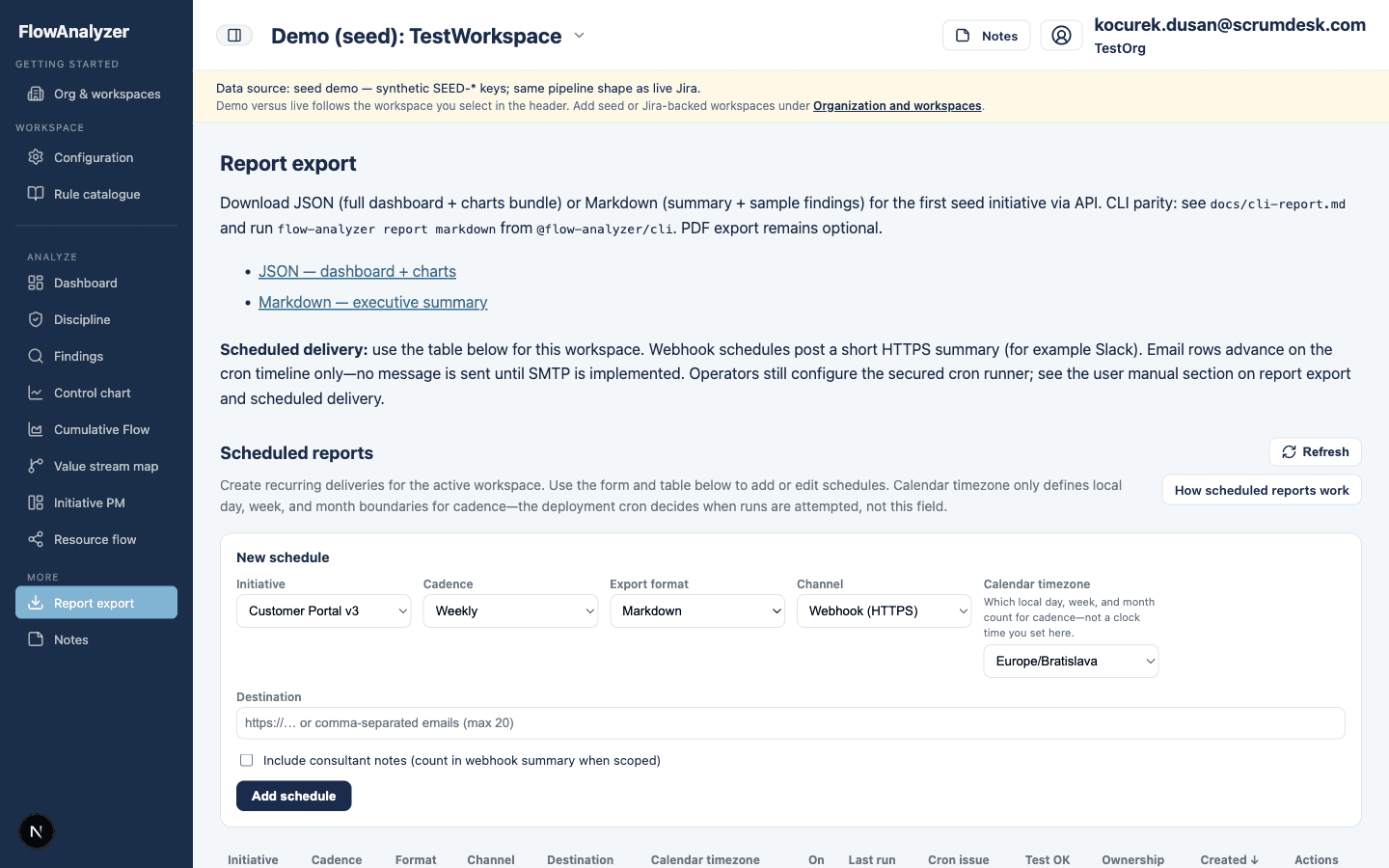
Preview a formatted HTML initiative report with executive summary, flow health, and recommendations—then print, download, share by email, or schedule recurring delivery for stakeholders.
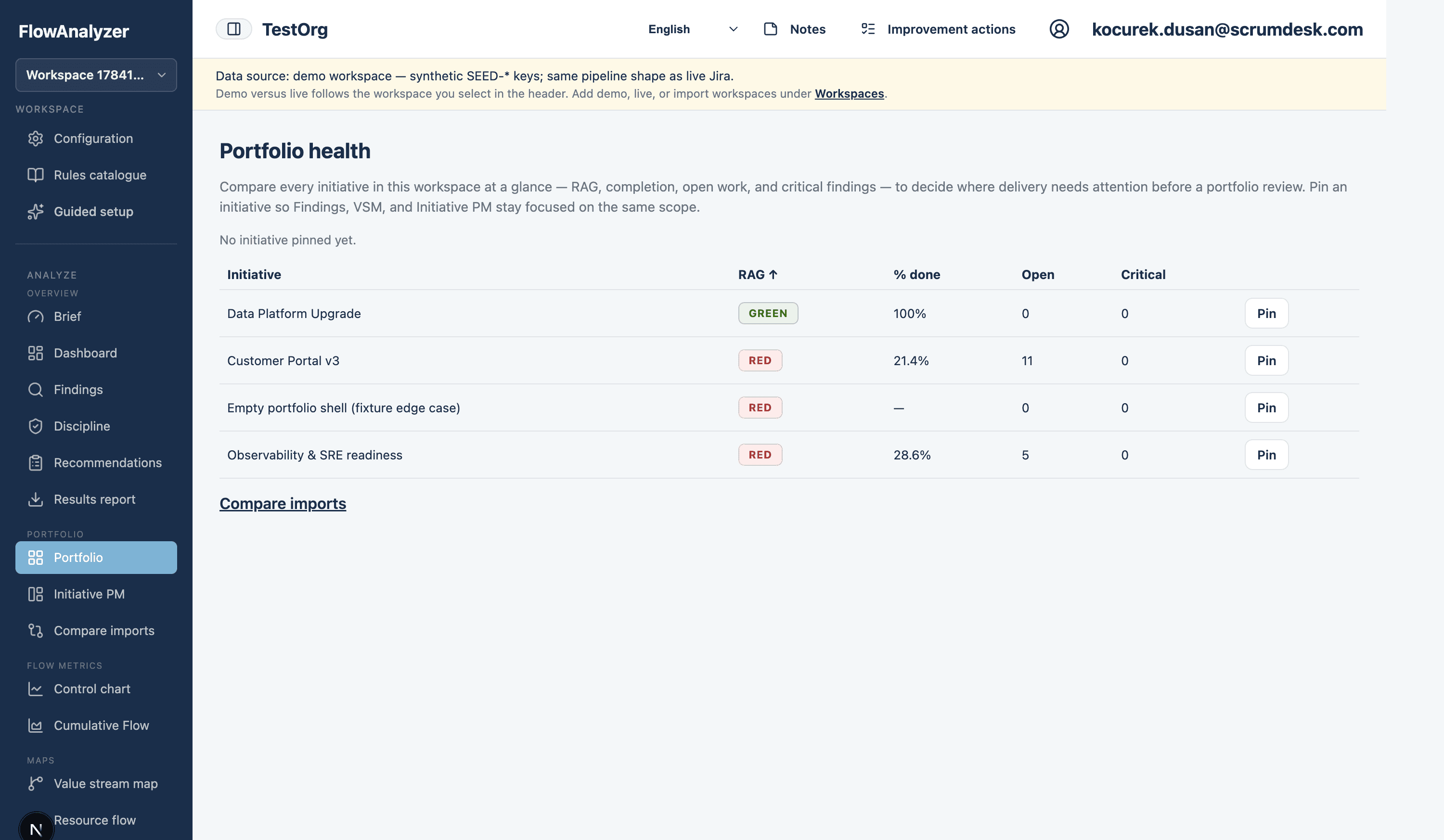
Compare every initiative at a glance—RAG, completion, open work, and critical findings—so you know where delivery needs attention before the next portfolio review.
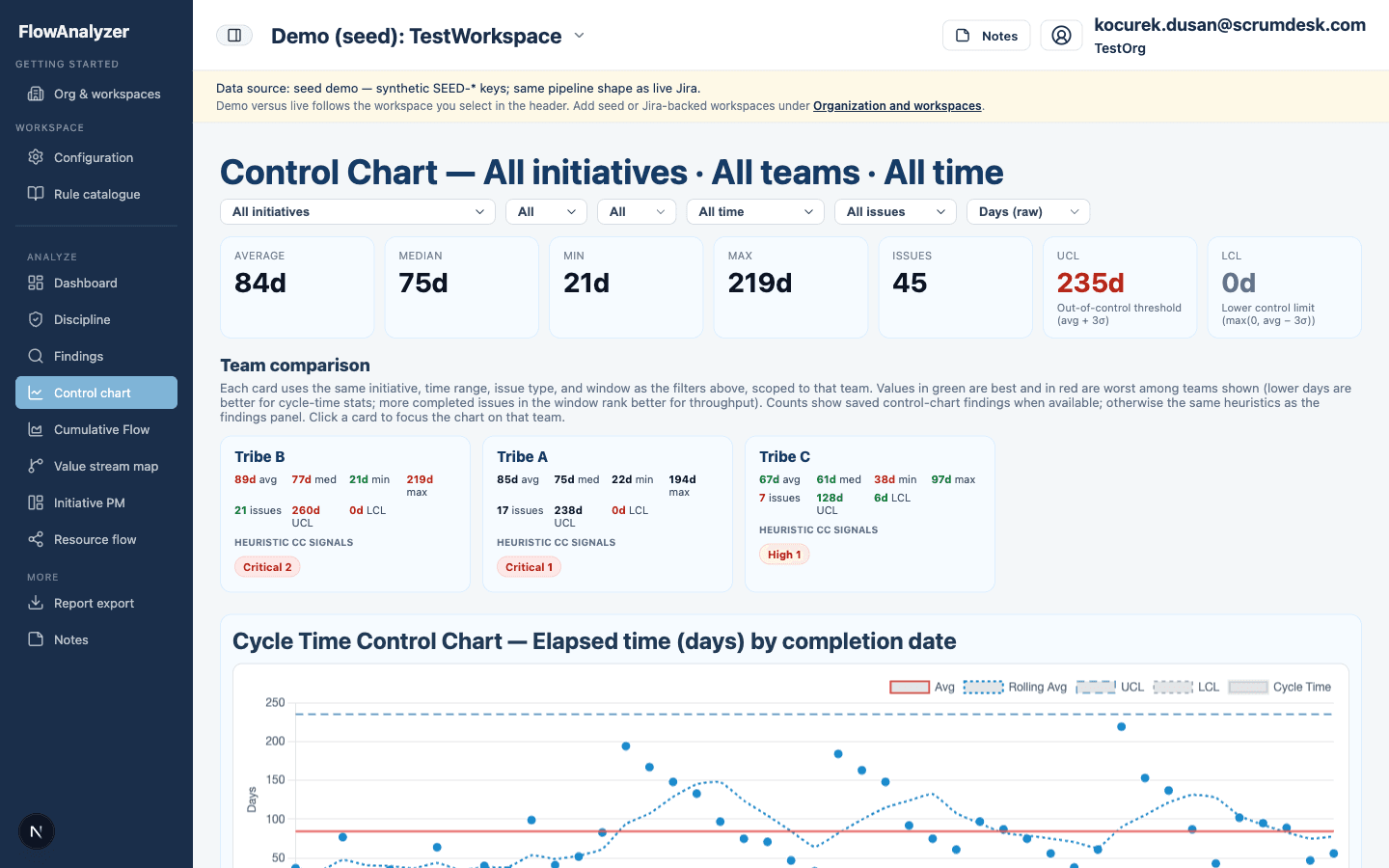
Track cycle-time stability with rolling averages and control limits. When variation leaves the expected band, you can intervene before forecast dates and commitments drift.
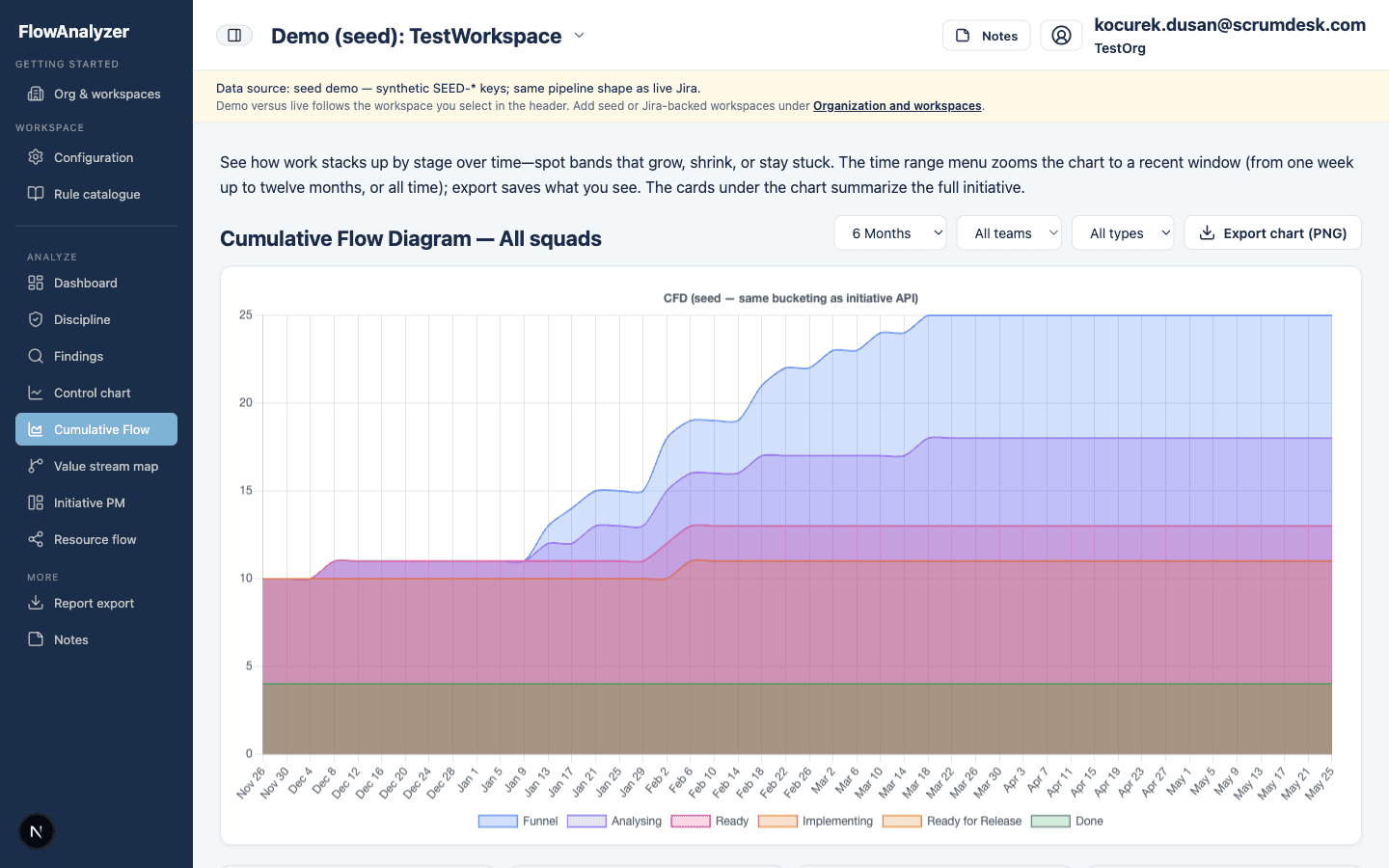
Read the shape of your flow: WIP growth, bottlenecks, and aging work by status. Use it to balance intake, protect throughput, and explain flow health to product and leadership stakeholders.
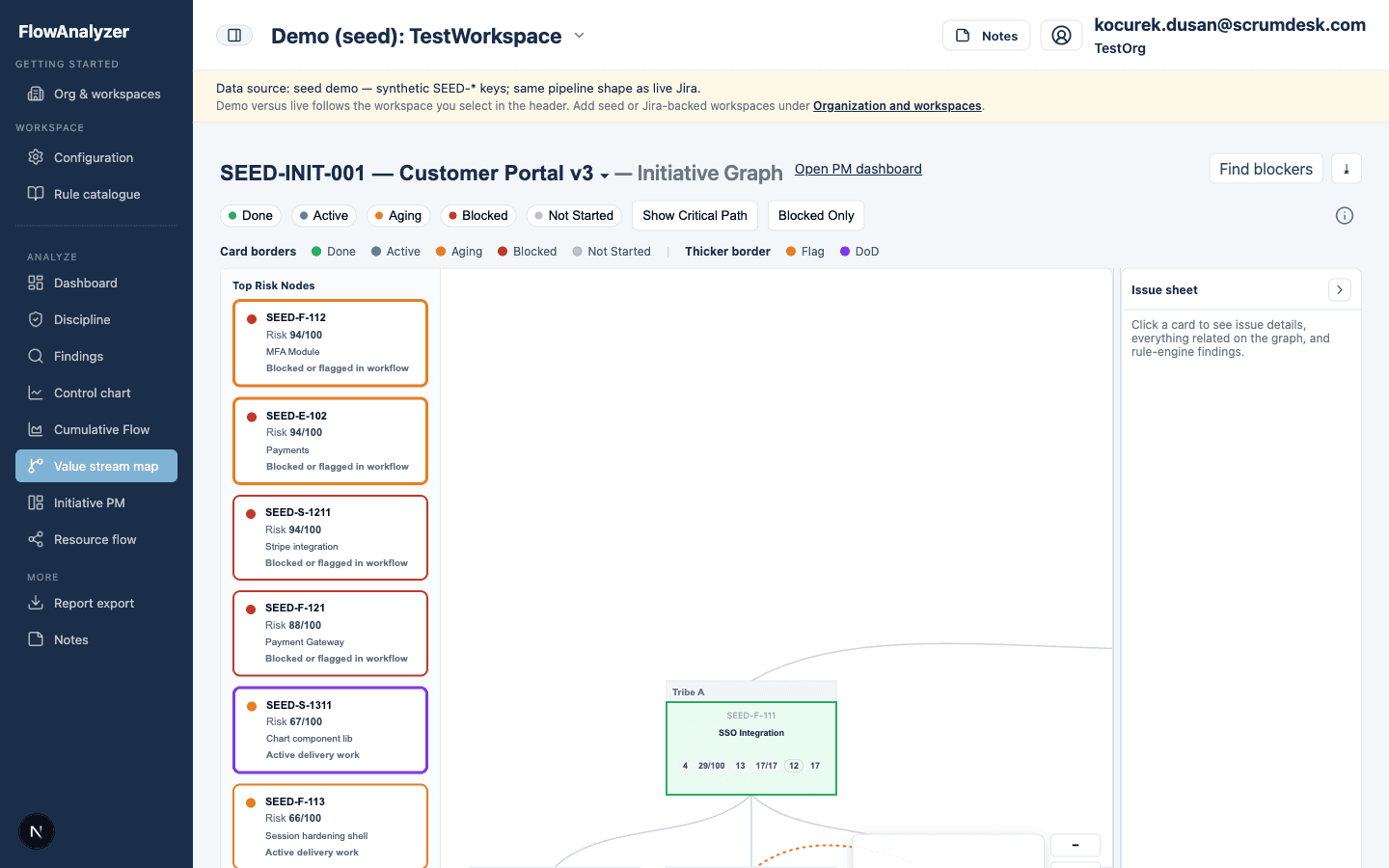
Visualize initiative hierarchy and blocking dependencies across teams. See where coordination risk sits on large programs and which links deserve attention in your next sync.
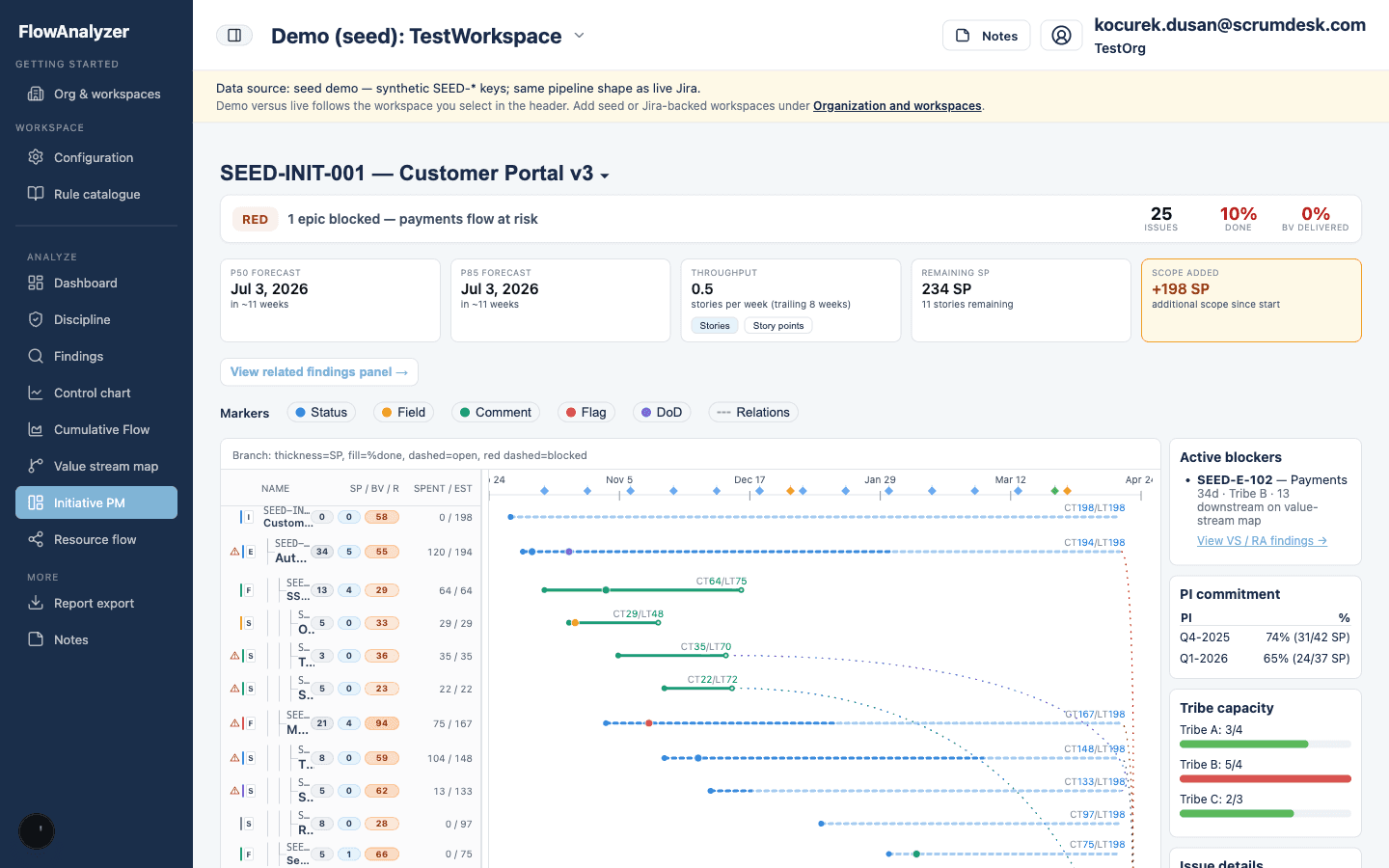
Follow program-level delivery with PM-oriented views on initiatives, scope, and health signals. Align portfolio governance with what teams report in Jira—without manual consolidation.
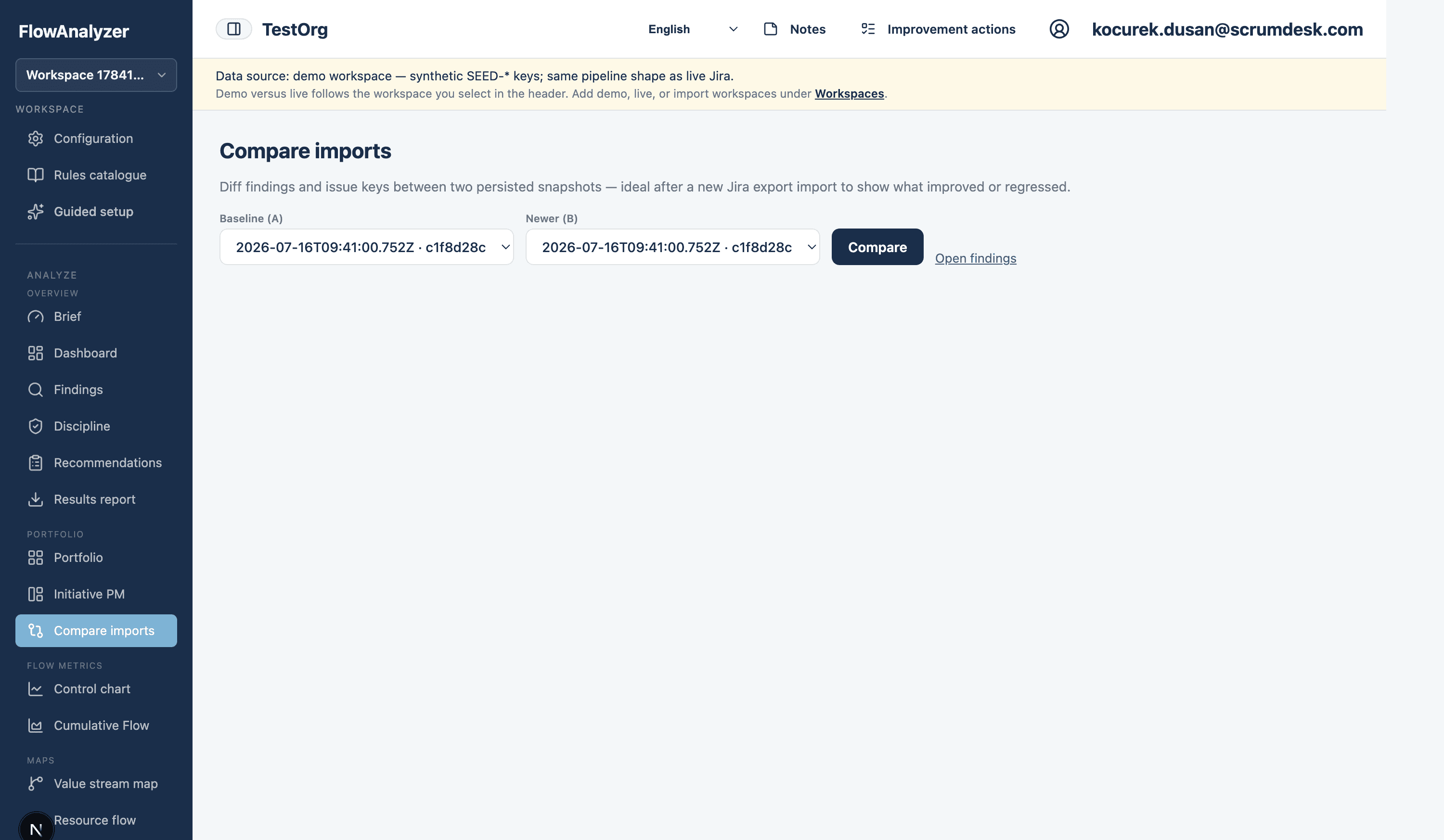
Diff findings and issue keys between two persisted snapshots after a new Jira import. Show what improved or regressed without rebuilding spreadsheets by hand.
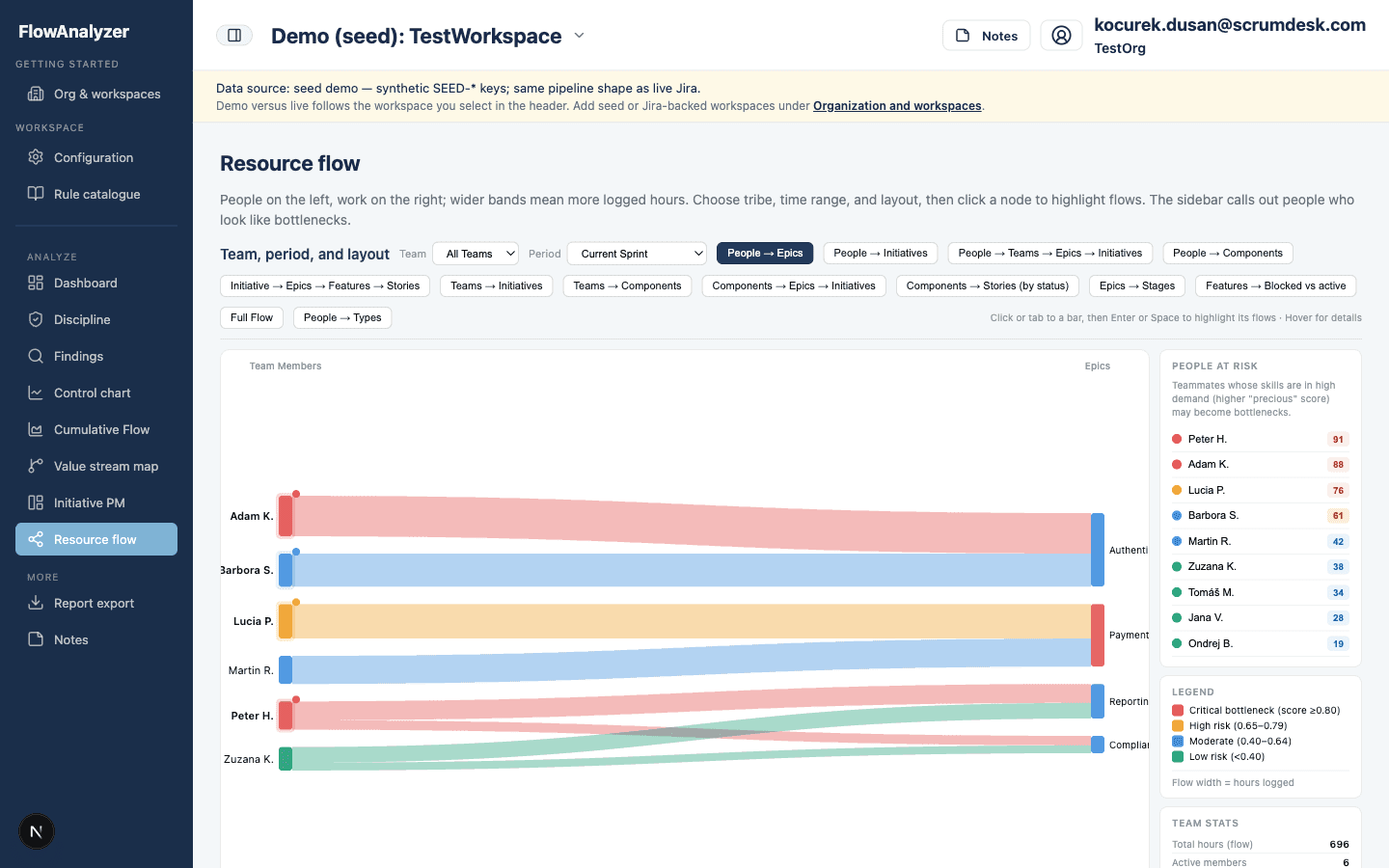
See where work concentrates on people and roles. Surface expert silos and load imbalance early, with discipline overlays for gate skips, requirement coverage gaps, and epic DoD health when your snapshot supports them.
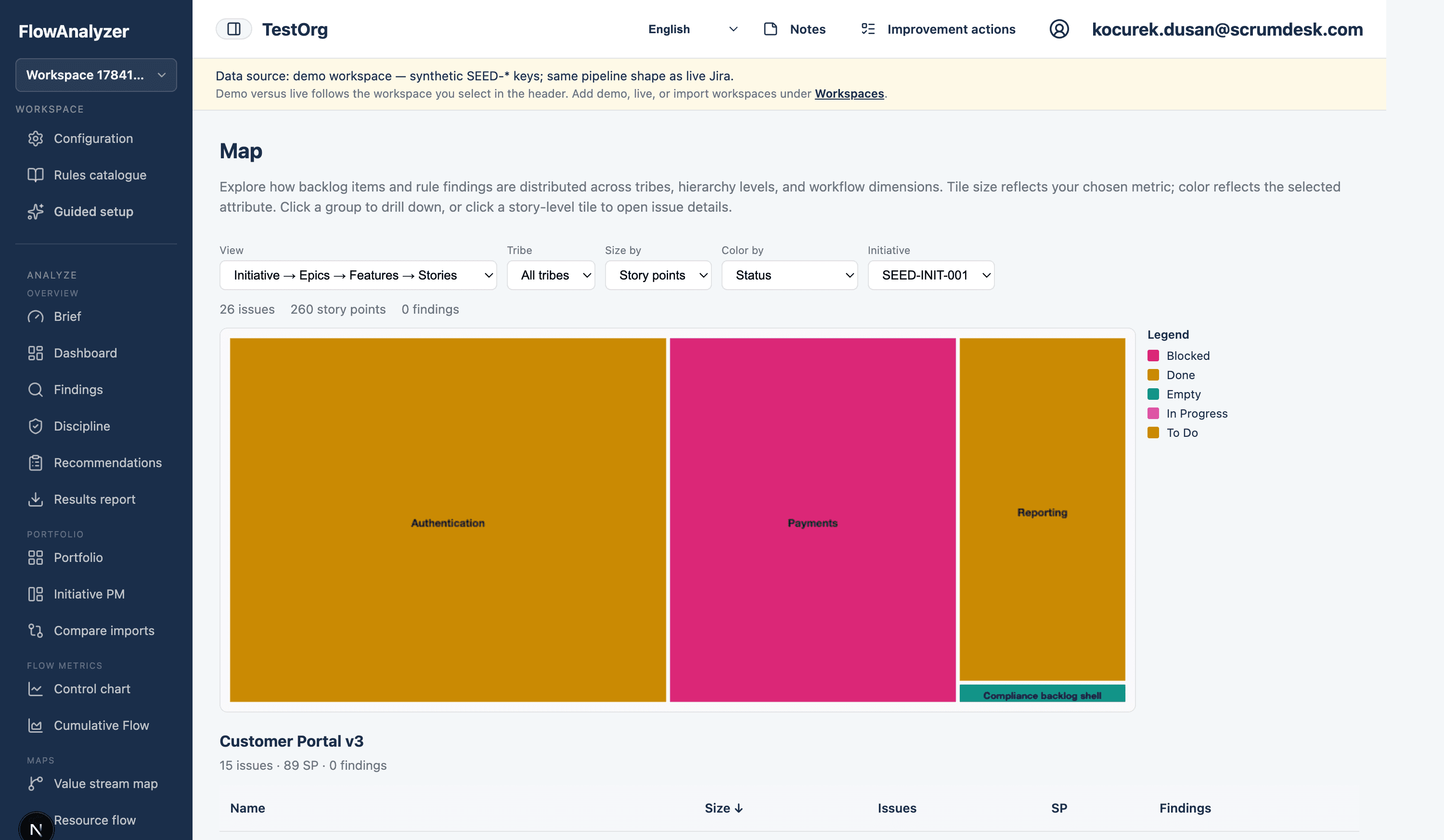
Scan backlog and findings as a treemap: compare tribes, hierarchy levels, and rule pressure at a glance. Drill into groups, then open any story tile for issue details.
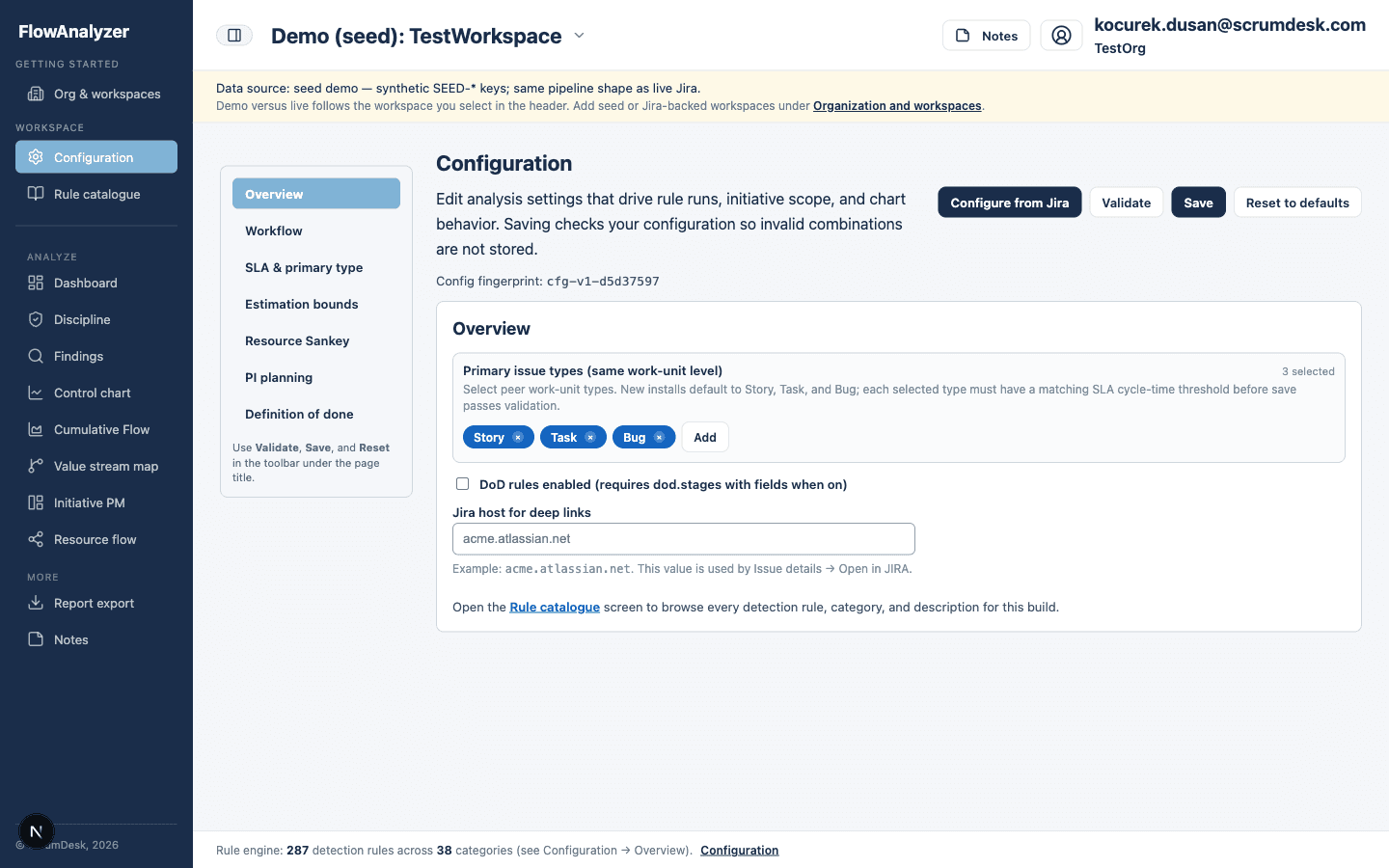
Align Jira scope, run windows, and detection settings with how your organization works. Keep analysis bounded to the tribes and projects you are accountable for.
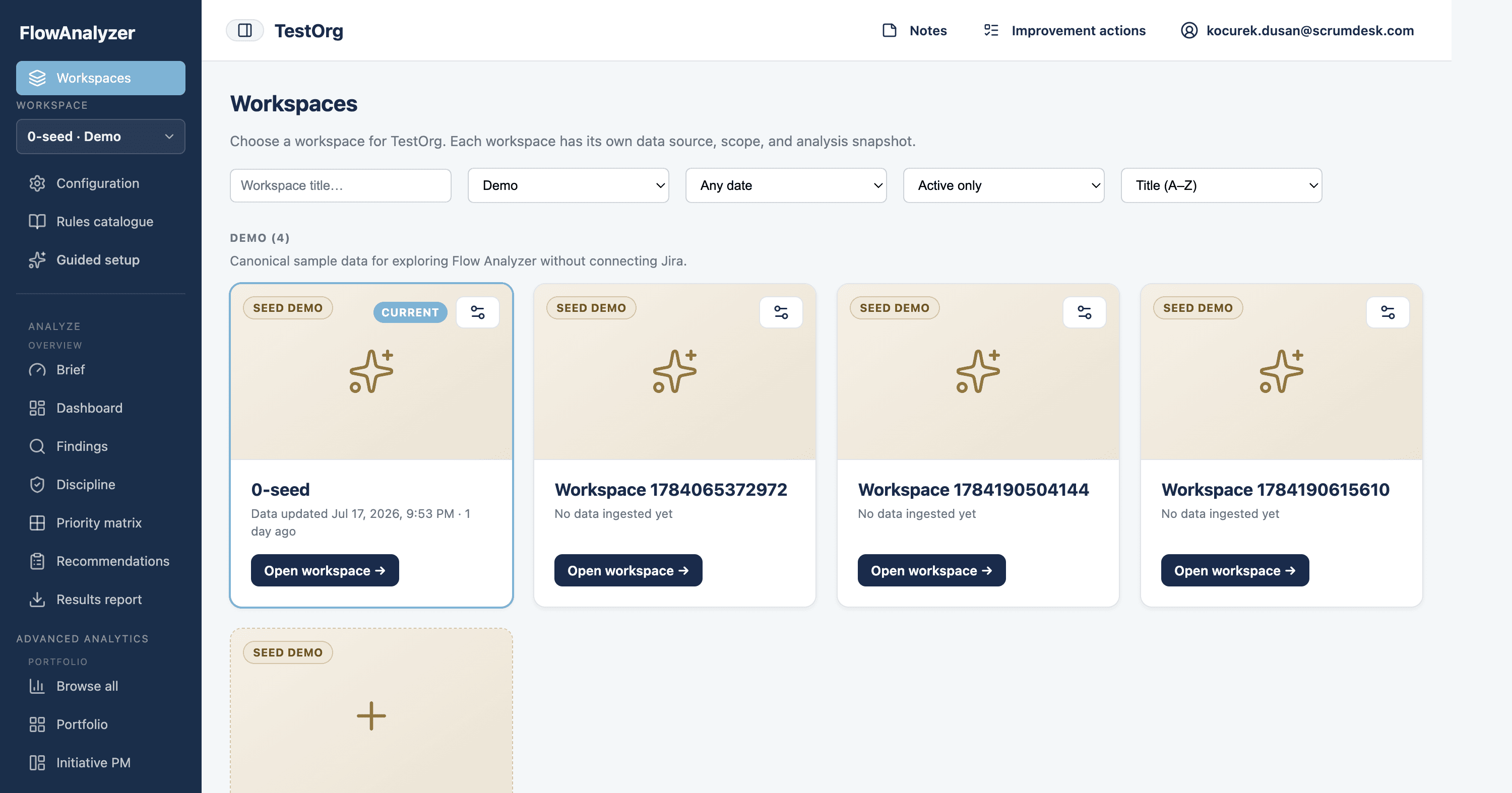
Browse every workspace in your organization—live Jira, ClickUp, Asana, Linear, Trello, or ScrumDesk Start, demo seed, and import—in one place. Filter by type or freshness, open the active workspace, or add and configure workspaces without leaving Flow Analyzer.
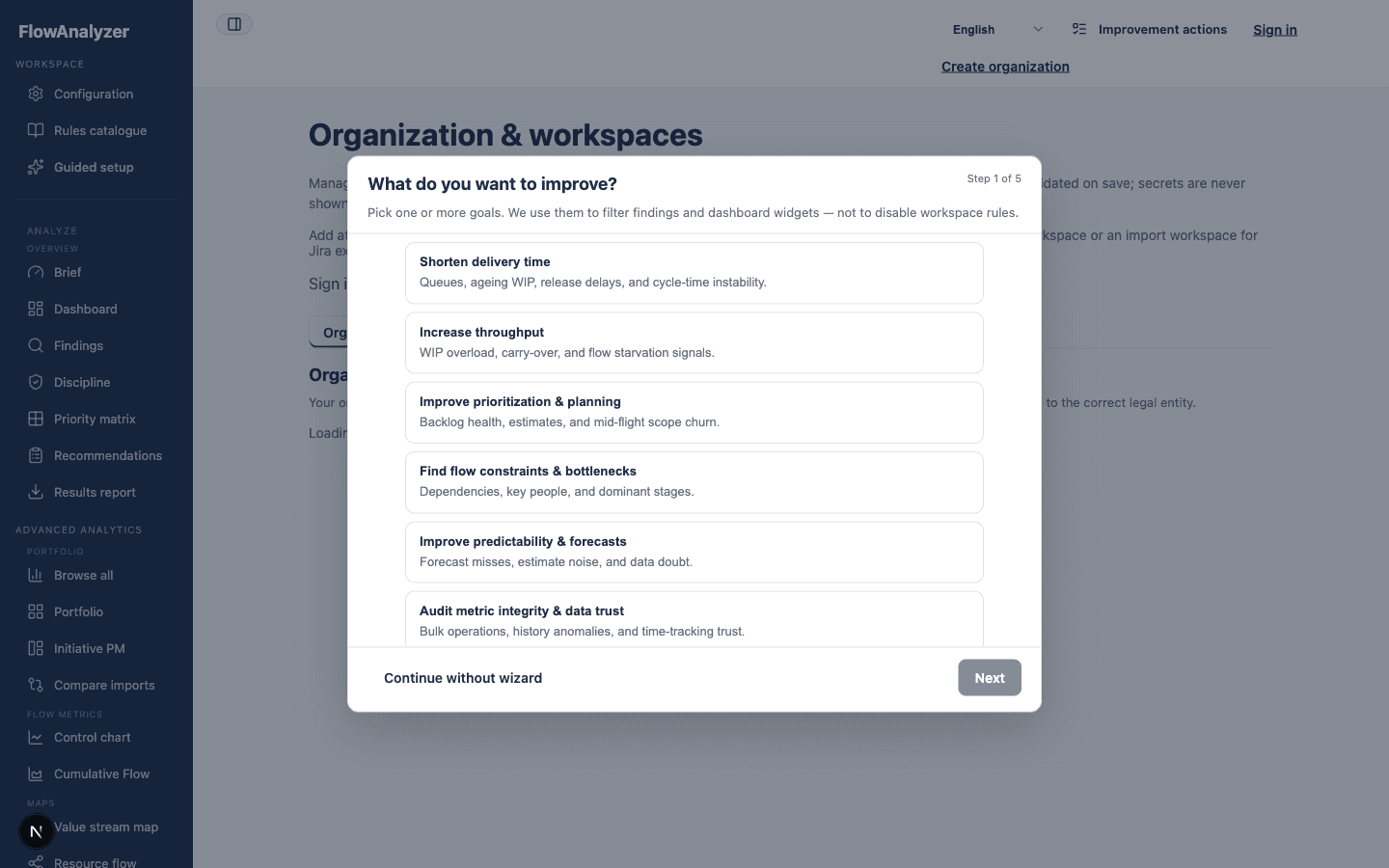
Choose delivery goals and problems once; Flow Analyzer highlights the routes and saved views that match your intent. Guided mode narrows findings and recommendations without changing what the engine computes for the workspace.
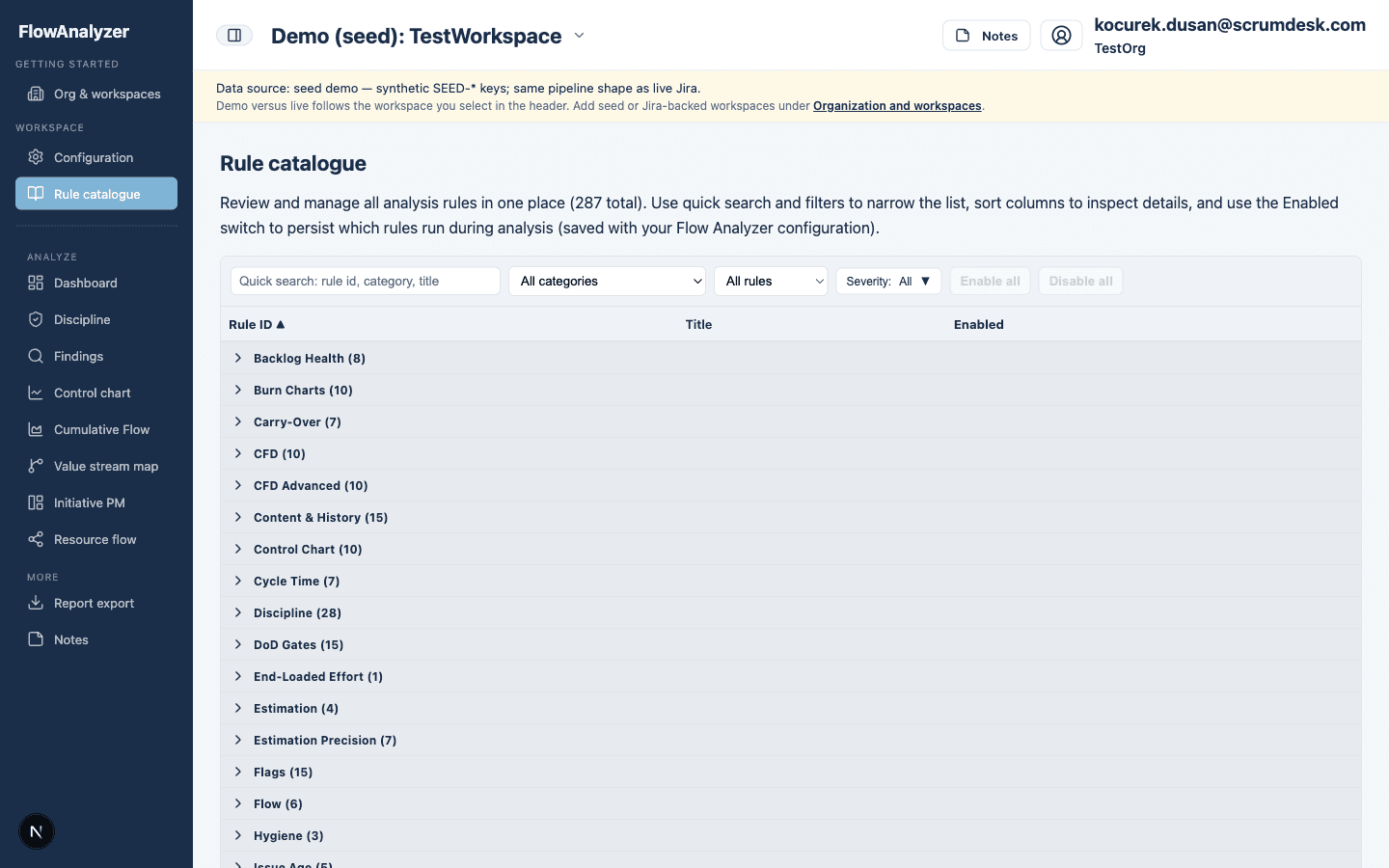
Browse the full library of codified detection rules. Set expectations with teams, explain what “good” looks like, and connect automated signals to your working agreements.
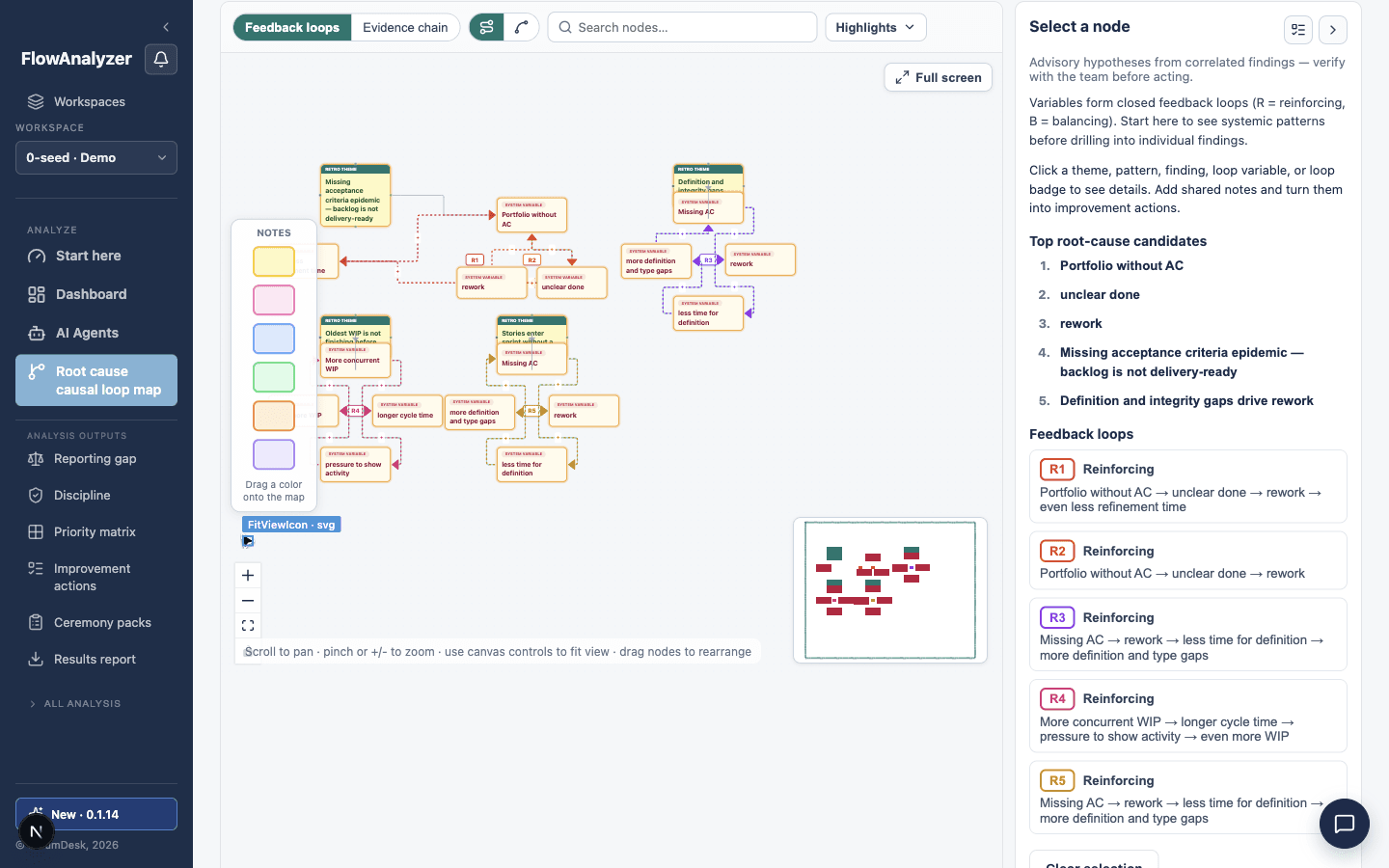
Cluster correlated findings into retro themes with A3 and 5-Whys chains, cited rule ids, and an interactive causal loop map you can edit—advisory hypotheses you validate before you act.
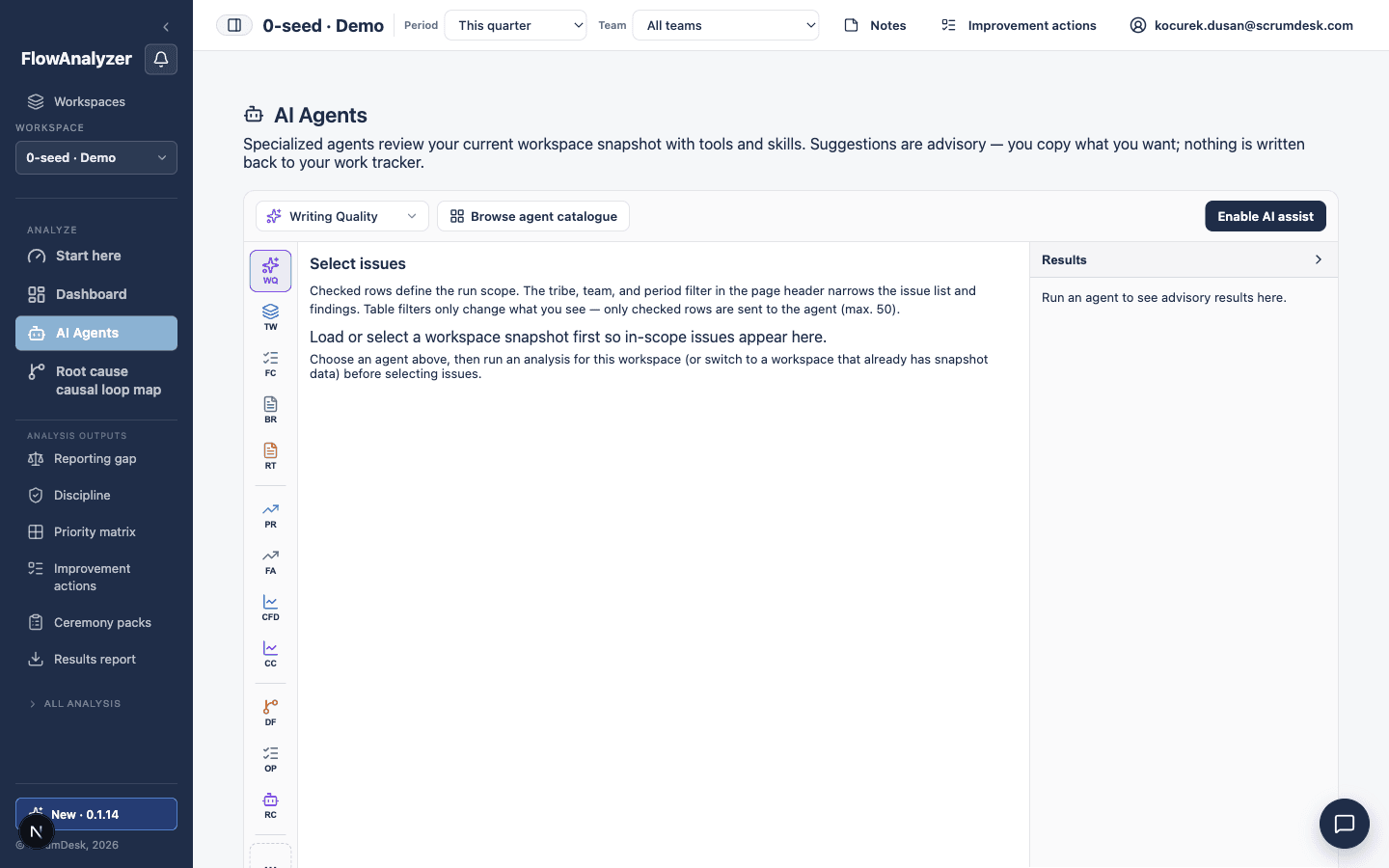
Run specialist agents for writing quality, work definition, dependency risk, optimization workshops, predictability, and root cause synthesis—rules-only mode works even when no language model is configured.
Ask natural-language questions about flow, findings, and next steps—answers link to evidence, agents, and charts in your workspace. Optional deeper reasoning for tougher delivery questions.
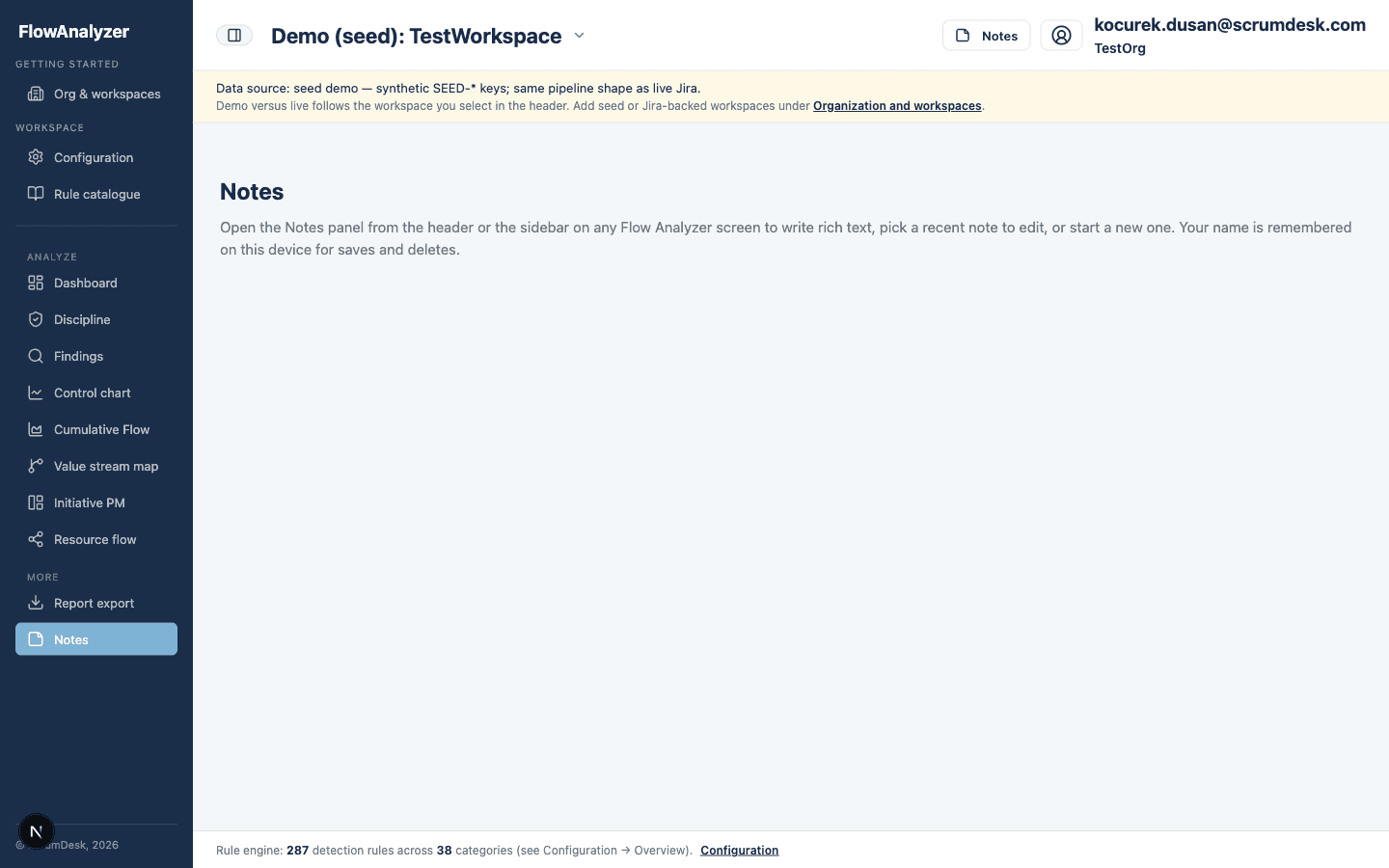
Record professional judgment alongside automated findings. Document context for audits, maturity assessments, and follow-up actions your stakeholders expect.
Connect Jira Cloud, ClickUp, Asana, Linear, Trello, or ScrumDesk Start, explore the case-study demo, or book a walkthrough — same screens on your own portfolio.
A walkthrough for consultants, PMO leaders, tribe leads, and delivery coaches. See Truth Gap and the Brief first, then drill into evidence, playbooks, and readout-ready exports.
Start every review with five answers in thirty seconds: what to do, how healthy you are, this week’s one thing, what changed, and where delivery burns. Drill from any card into evidence or the full detail screens.
See what your dashboards report versus what changelog forensics flags — one headline gap percentage, reported vs adjusted throughput, and per-rule evidence you can open issue-by-issue.
Start each review with a single portfolio view: open findings, cycle-time signals, and discipline scores across tribes. You spend less time exporting Jira data and more time deciding what to discuss with leads.
Measure how consistently teams honour workflow, flags, and Definition of Done. Compare tribes side by side, then open Investigation for gate bypasses, requirement coverage gaps, epic DoD heatmaps, and PI delivery versus commitment.
Review detected antipatterns ranked by severity and category. Filter by rule family, use the operational defect funnel for OI issues, and open discipline investigation without leaving Findings.
Pick a coaching session and copy a ready-to-share Markdown pack for tribe syncs, retros, PI prep, or leadership briefings—built from the same findings your teams see in the live app.
Replay cross-team handoffs and queue time on a war map—scrub Jira steps, overlay toolchain signals, and walk a retro with facilitator prompts, workshop slides, or Present mode for screen sharing.
Focus the tribe on one constraint for the week: correlated findings, concrete experiments, and expected signals—then accept suggestions as improvement actions you can track.
Open a ready-to-run coaching card for any rule: the signal, real-world examples, facilitation questions, configuration levers, and how you will know the experiment worked on the next analysis run.
Turn coaching experiments into owned work on a Kanban board. Move cards from Open through In progress to Done, keep finding links visible, and review progress in every flow sync.
Rank findings by flow impact versus remediation effort. Start with Do first quick wins, schedule high-effort work, and defer low-value noise so coaching capacity goes where it pays off.
Preview a formatted HTML initiative report with executive summary, flow health, and recommendations—then print, download, share by email, or schedule recurring delivery for stakeholders.
Compare every initiative at a glance—RAG, completion, open work, and critical findings—so you know where delivery needs attention before the next portfolio review.
Track cycle-time stability with rolling averages and control limits. When variation leaves the expected band, you can intervene before forecast dates and commitments drift.
Read the shape of your flow: WIP growth, bottlenecks, and aging work by status. Use it to balance intake, protect throughput, and explain flow health to product and leadership stakeholders.
Visualize initiative hierarchy and blocking dependencies across teams. See where coordination risk sits on large programs and which links deserve attention in your next sync.
Follow program-level delivery with PM-oriented views on initiatives, scope, and health signals. Align portfolio governance with what teams report in Jira—without manual consolidation.
Diff findings and issue keys between two persisted snapshots after a new Jira import. Show what improved or regressed without rebuilding spreadsheets by hand.
See where work concentrates on people and roles. Surface expert silos and load imbalance early, with discipline overlays for gate skips, requirement coverage gaps, and epic DoD health when your snapshot supports them.
Scan backlog and findings as a treemap: compare tribes, hierarchy levels, and rule pressure at a glance. Drill into groups, then open any story tile for issue details.
Align Jira scope, run windows, and detection settings with how your organization works. Keep analysis bounded to the tribes and projects you are accountable for.
Browse every workspace in your organization—live Jira, ClickUp, Asana, Linear, Trello, or ScrumDesk Start, demo seed, and import—in one place. Filter by type or freshness, open the active workspace, or add and configure workspaces without leaving Flow Analyzer.
Choose delivery goals and problems once; Flow Analyzer highlights the routes and saved views that match your intent. Guided mode narrows findings and recommendations without changing what the engine computes for the workspace.
Browse the full library of codified detection rules. Set expectations with teams, explain what “good” looks like, and connect automated signals to your working agreements.
Cluster correlated findings into retro themes with A3 and 5-Whys chains, cited rule ids, and an interactive causal loop map you can edit—advisory hypotheses you validate before you act.
Run specialist agents for writing quality, work definition, dependency risk, optimization workshops, predictability, and root cause synthesis—rules-only mode works even when no language model is configured.
Ask natural-language questions about flow, findings, and next steps—answers link to evidence, agents, and charts in your workspace. Optional deeper reasoning for tougher delivery questions.
Record professional judgment alongside automated findings. Document context for audits, maturity assessments, and follow-up actions your stakeholders expect.
Connect Jira Cloud, ClickUp, Asana, Linear, Trello, or ScrumDesk Start, explore the case-study demo, or book a walkthrough — same screens on your own portfolio.